 SkayCost
How to share a car, motorbike or generator
If several people use the same vehicle, share it in SkayCost. Each of you logs fill-ups, services and trips from your own phone, all members see them, and the app works out who owes whom. Setting it up takes a few minutes.
Step by step
- 1
Sign in with Google
Everyone who will use the item signs in under Settings → Cloud Sync. Shared use needs an account. Your other vehicles stay private.
- 2
Find the other person's ID
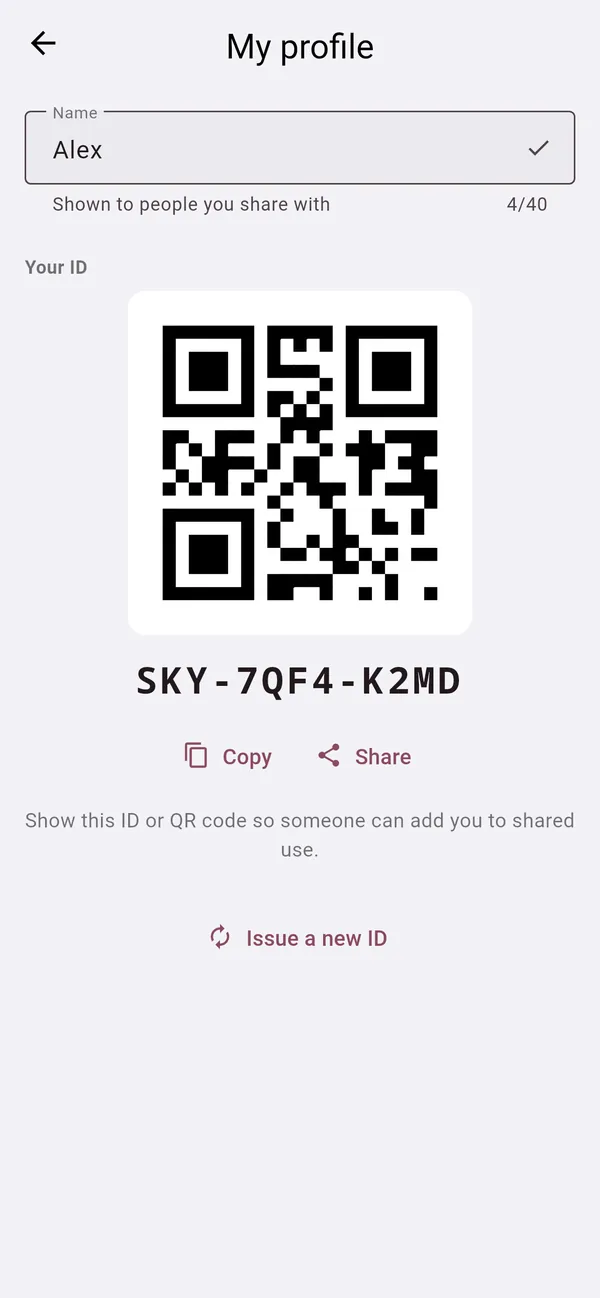
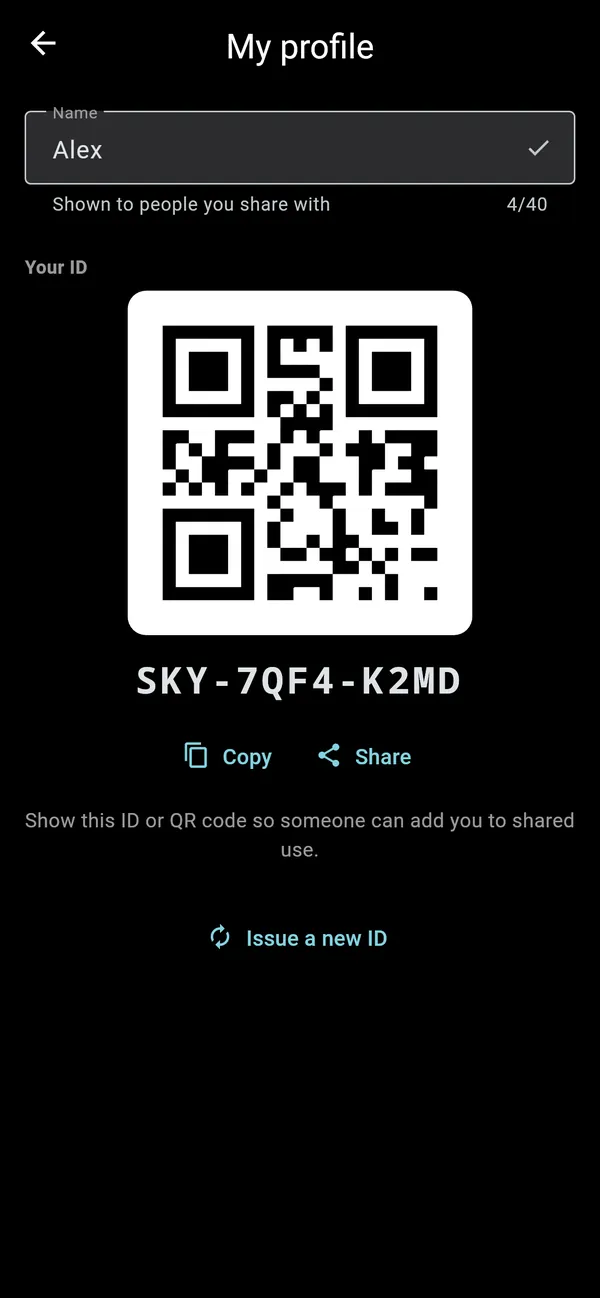
The person you're inviting opens Settings → My profile, where they'll find their ID (SKY-XXXX-XXXX) and a QR code. They can send you the ID or show you the code.
- 3
Share the item
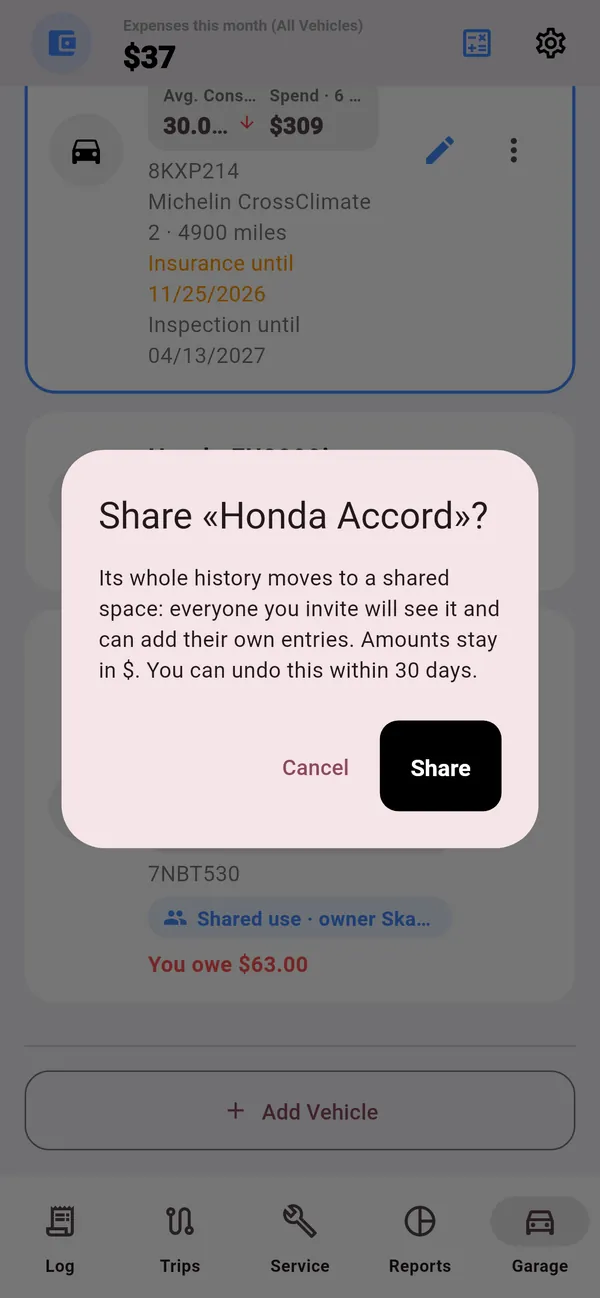
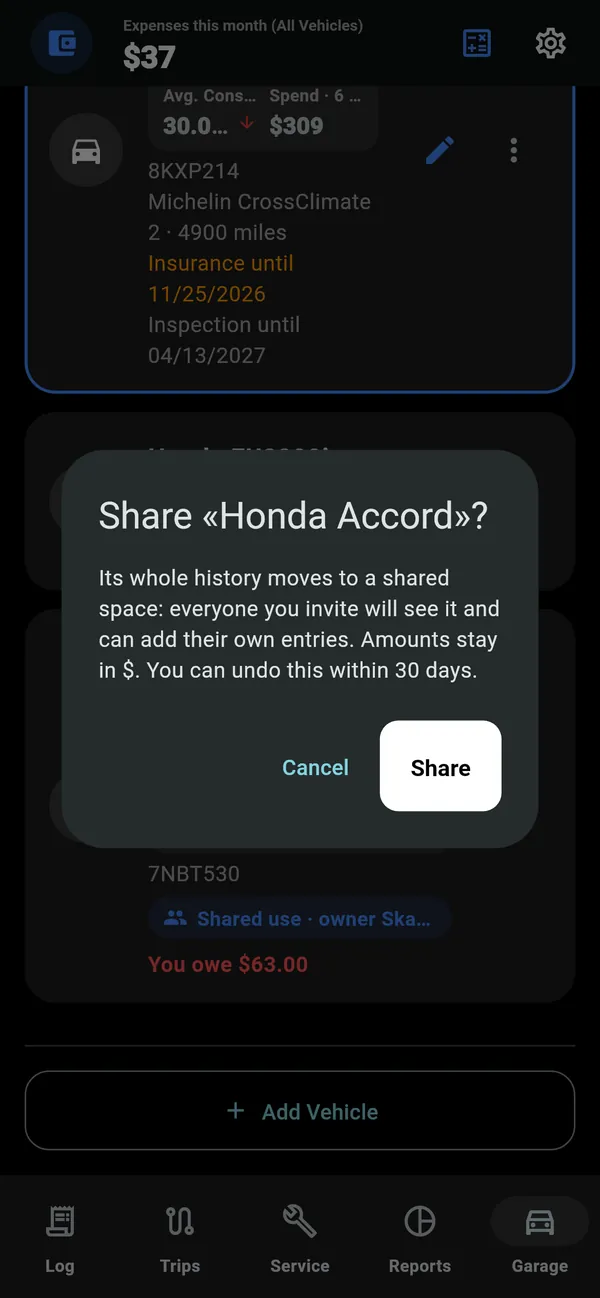
In the Garage, tap ⋮ on the vehicle card and choose Share. Its whole history moves to a shared space. You can undo this within 30 days.
- 4
Invite people
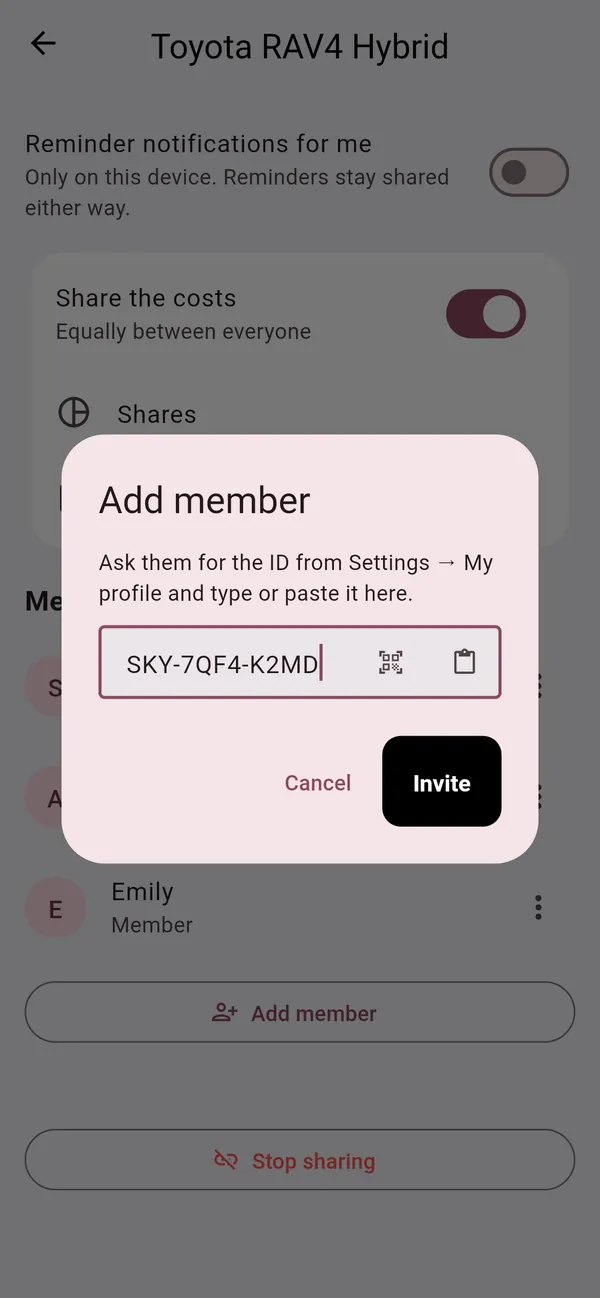
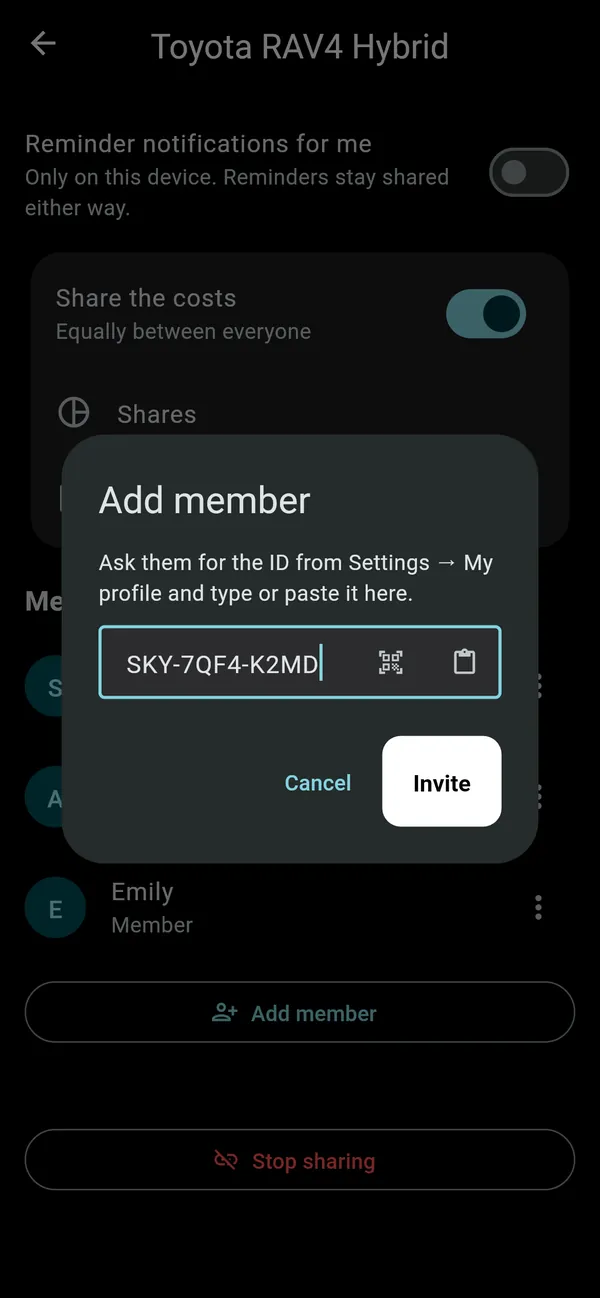
Tap ⋮ → Members → Add member, then type or paste the ID, or scan the QR code with the camera button, and tap Invite. Up to 5 people per item.
- 5
Accept the invitation
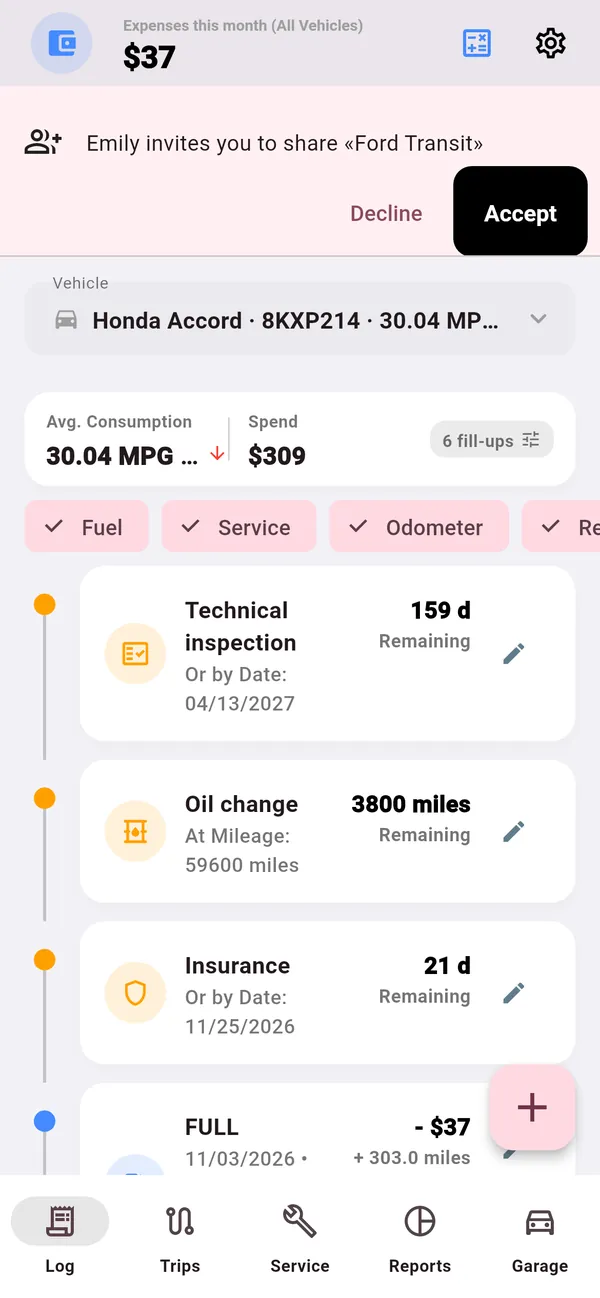
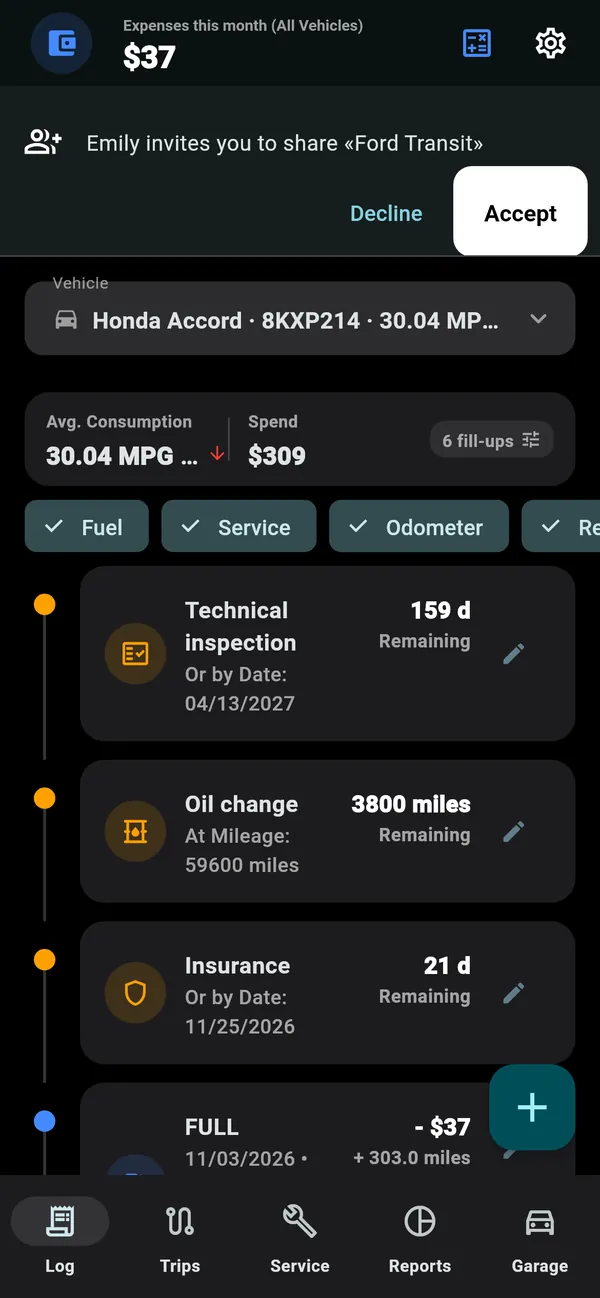
The invited person sees a banner at the top of the app and taps Accept. The item appears in their garage with all its records.
- 6
Split the costs (optional)
On the members screen, turn on Share the costs and set shares if they aren't equal. Every fill-up and service records who paid, and Settle up shows who owes whom.
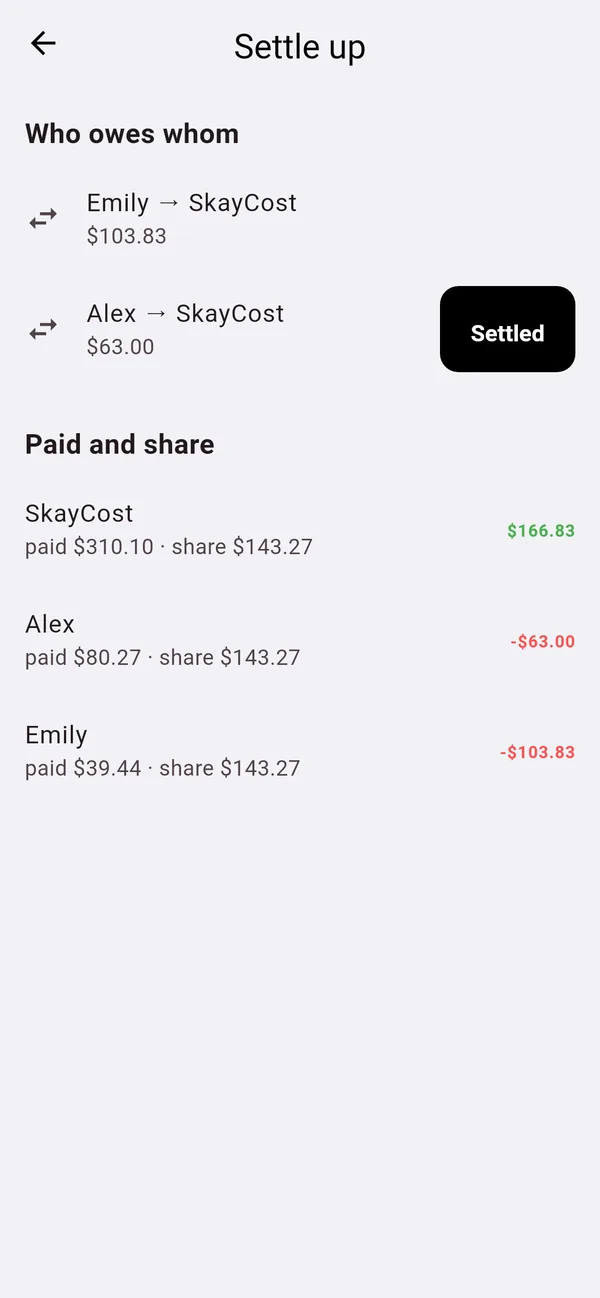
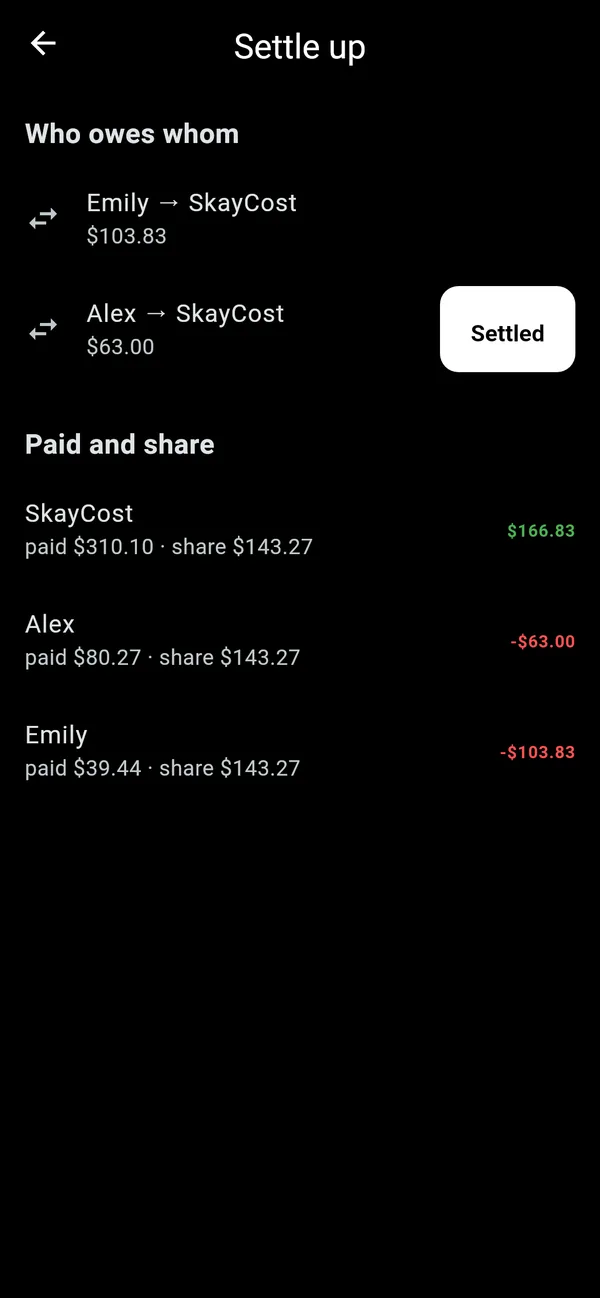
Trips together
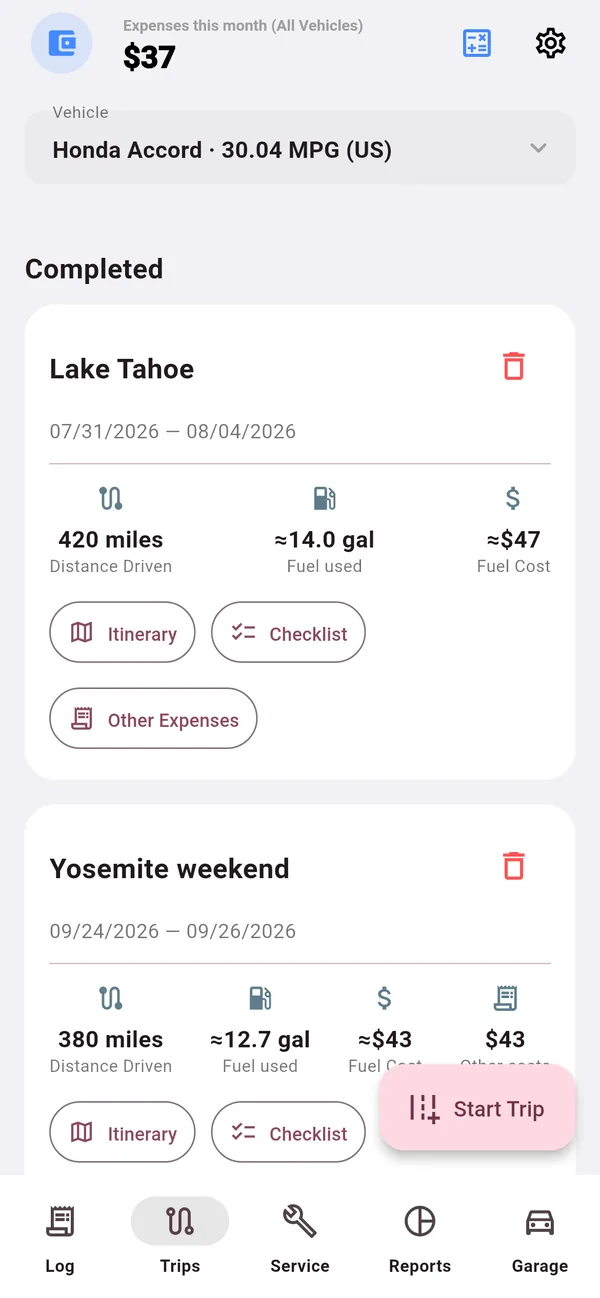
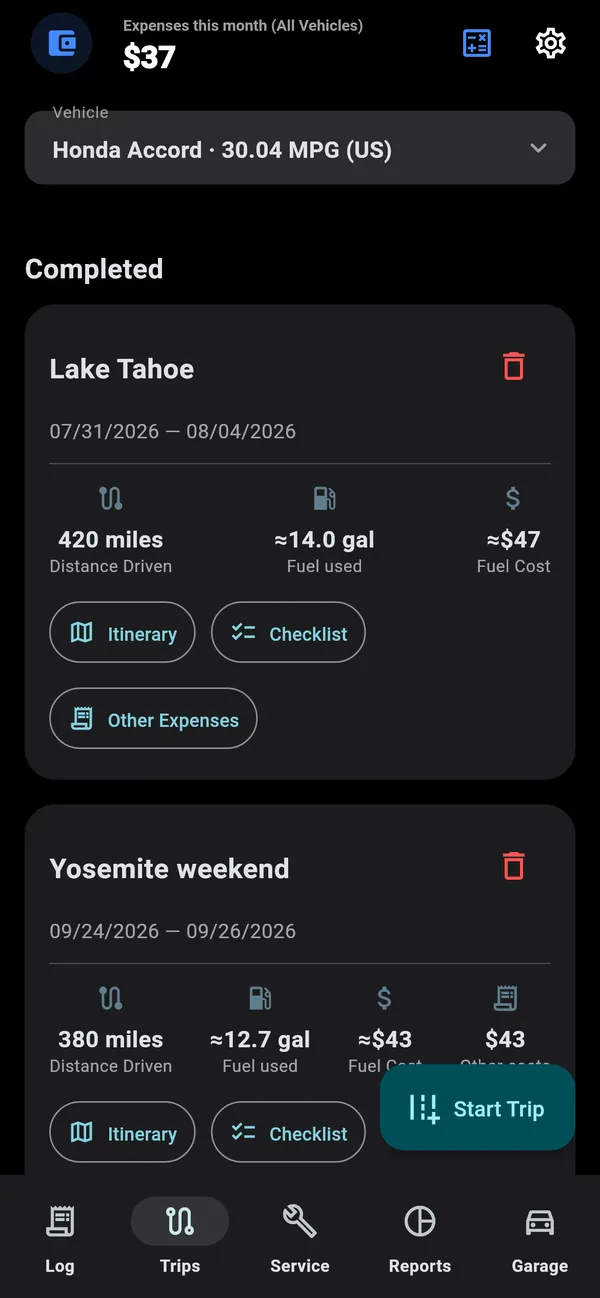
A shared item can have one trip in progress at a time. Whoever starts it is on it, any other member can join, and everyone on the trip adds fill-ups and other costs such as tolls, parking and food.
The trip's costs are split equally between the people on it, not all members. If two people started a trip offline at the same time, the app offers to merge them or keep them separate.
More questions
For who sees what, how costs are split and what happens when you stop sharing or leave, see the questions and answers.