 SkayCost
Know what your car really costs, together with everyone who drives it
SkayCost tracks fuel consumption, servicing, trips and every other expense for your car, motorbike, e-scooter or generator. Use it on your own or share it with the people who drive with you. Each of you logs from your own phone, and the app works out who owes whom.
Several drivers, one shared log
A family car, a motorbike two people ride or a generator the neighbours share: its fill-ups, services and reminders sit in one place that everyone sees.
Invite by ID or QR code
Share the item from your garage and add people with the ID or QR code from their profile. Once they accept, it appears on their phone.
Everyone logs their own
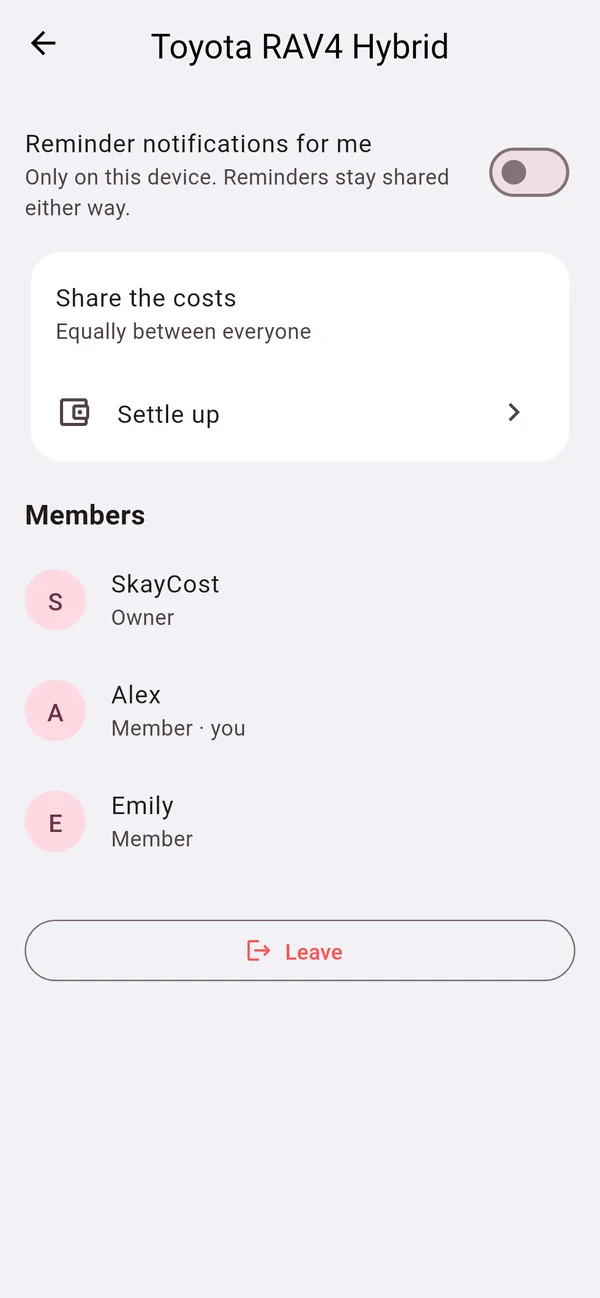
Fill-ups, services, odometer readings and trips from every member show up for everyone. Reminders are shared too, and you decide whether they notify your phone.
See who owes whom
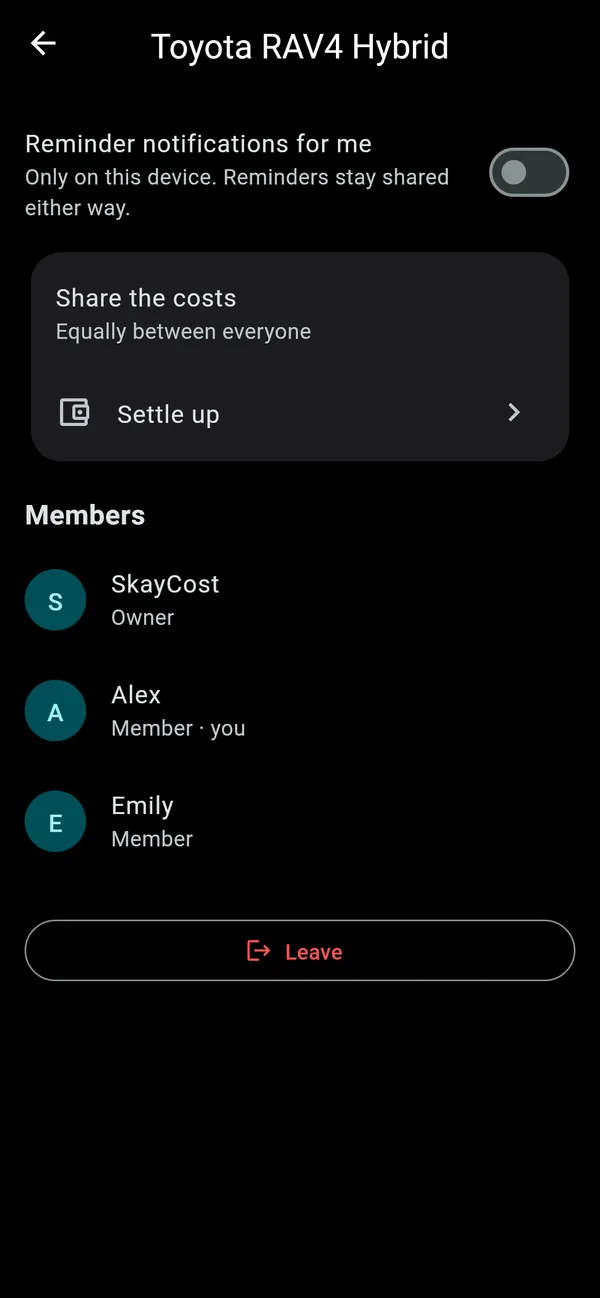
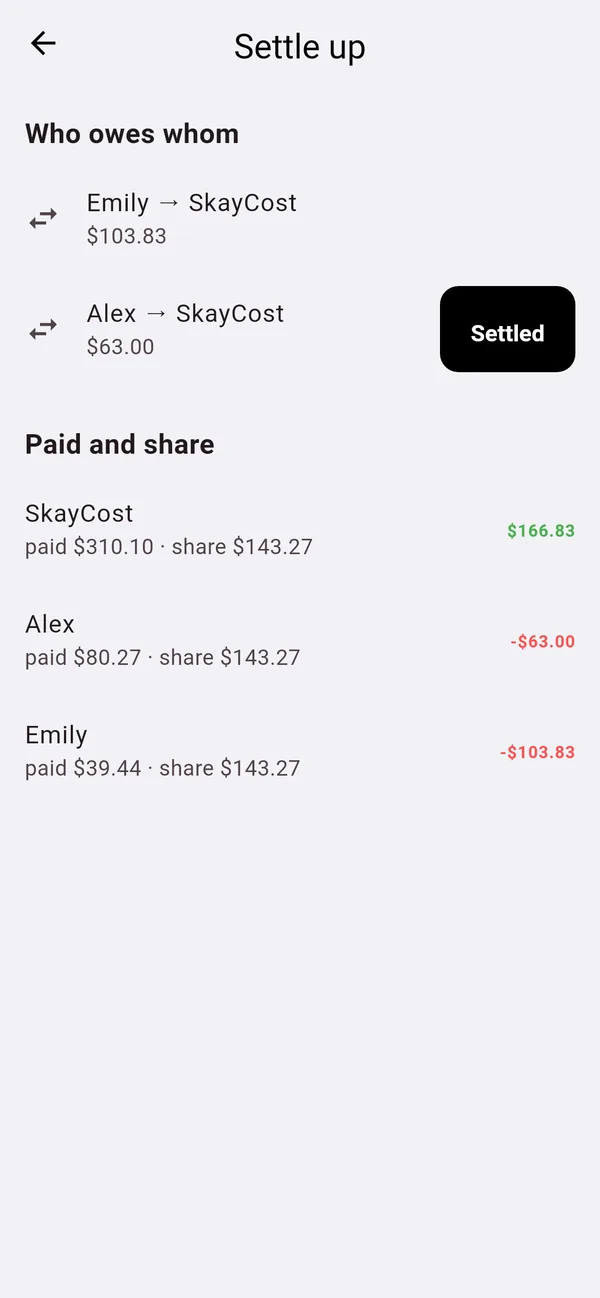
Each expense records who paid. Costs split equally or by shares, and you mark a debt settled once the money is sent. On a shared trip, costs are split between the people on it.
Sharing needs Google sign-in. Members see only the item you share; your other vehicles and records stay private. Step-by-step guide →
See it in action
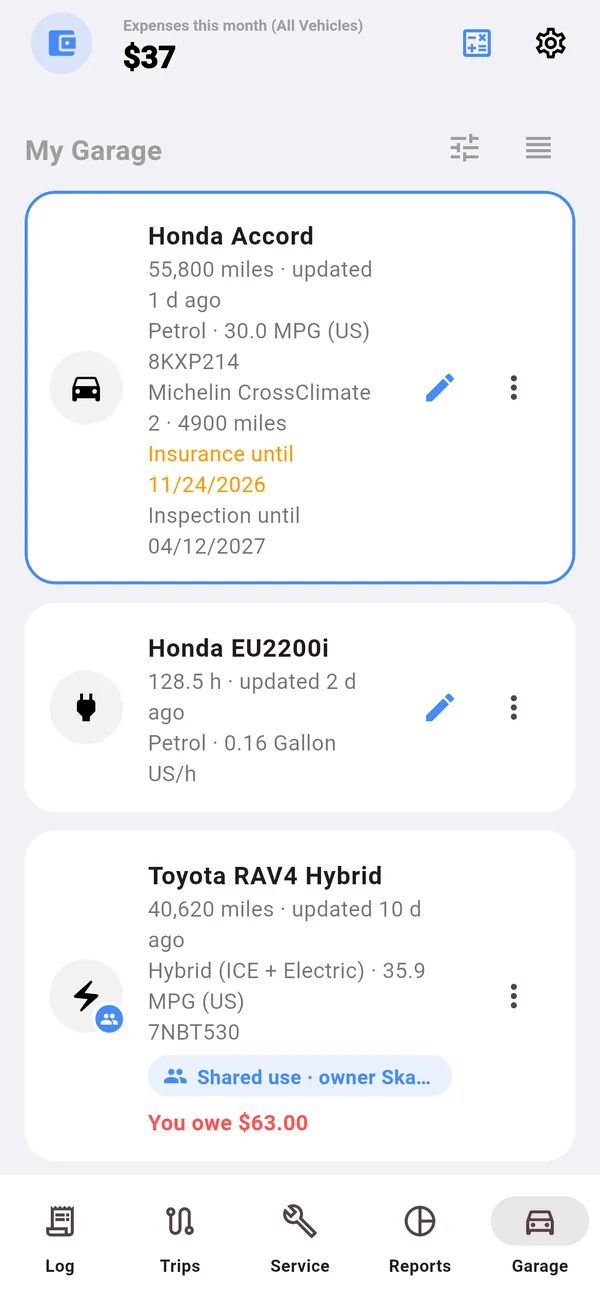
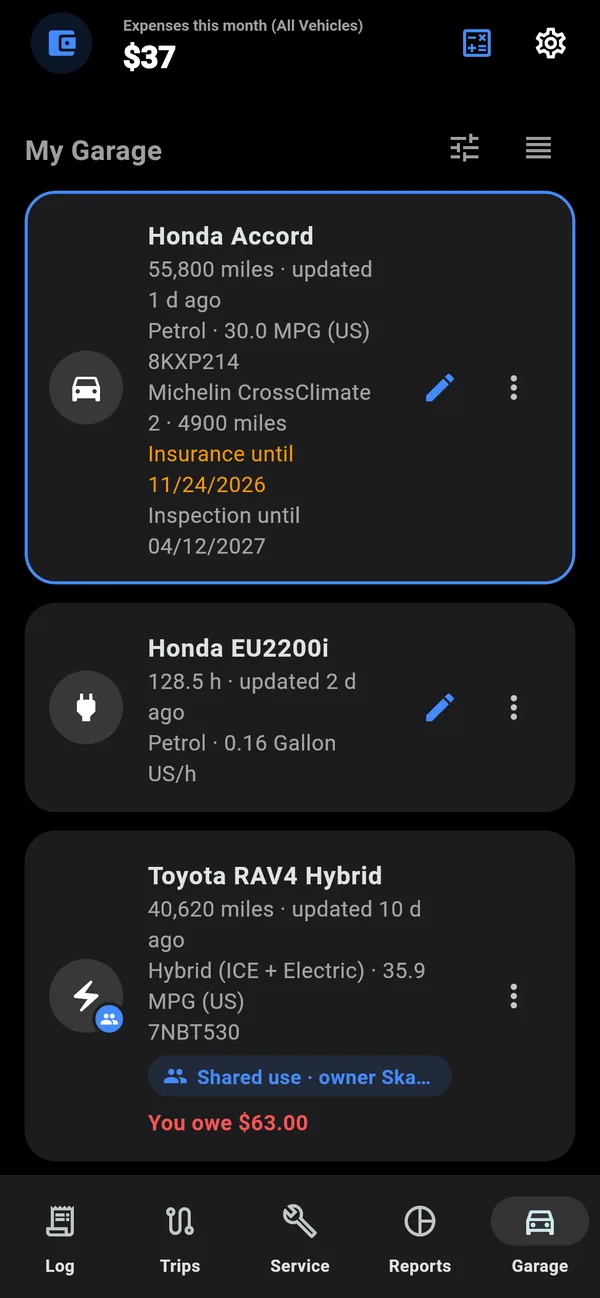
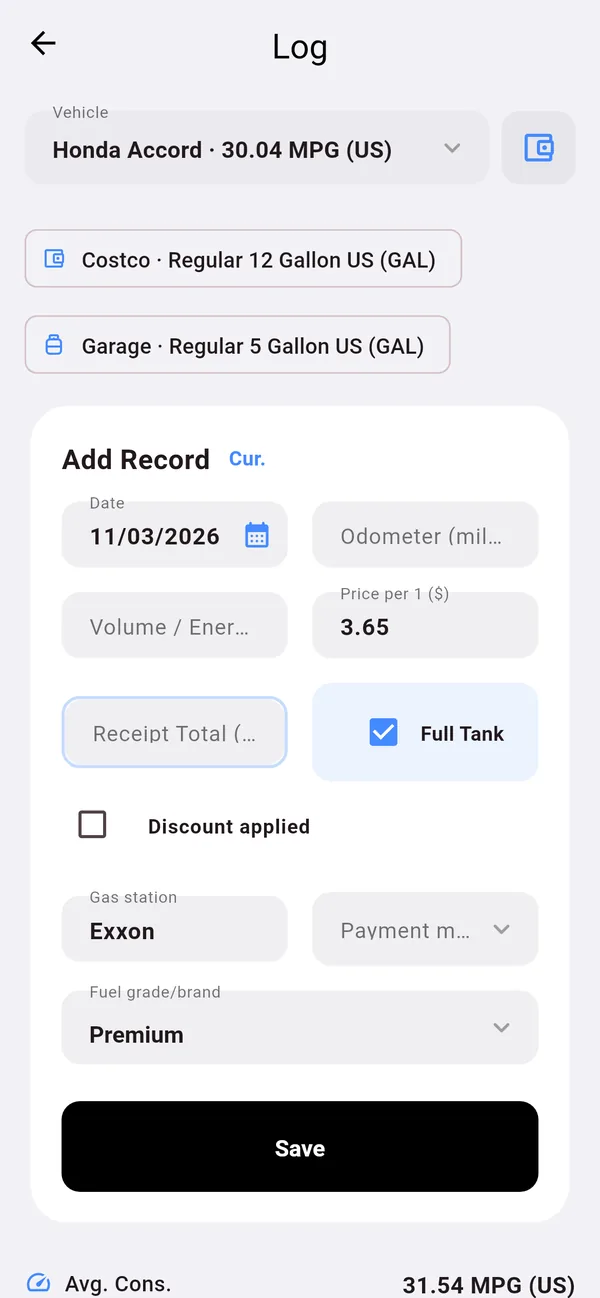
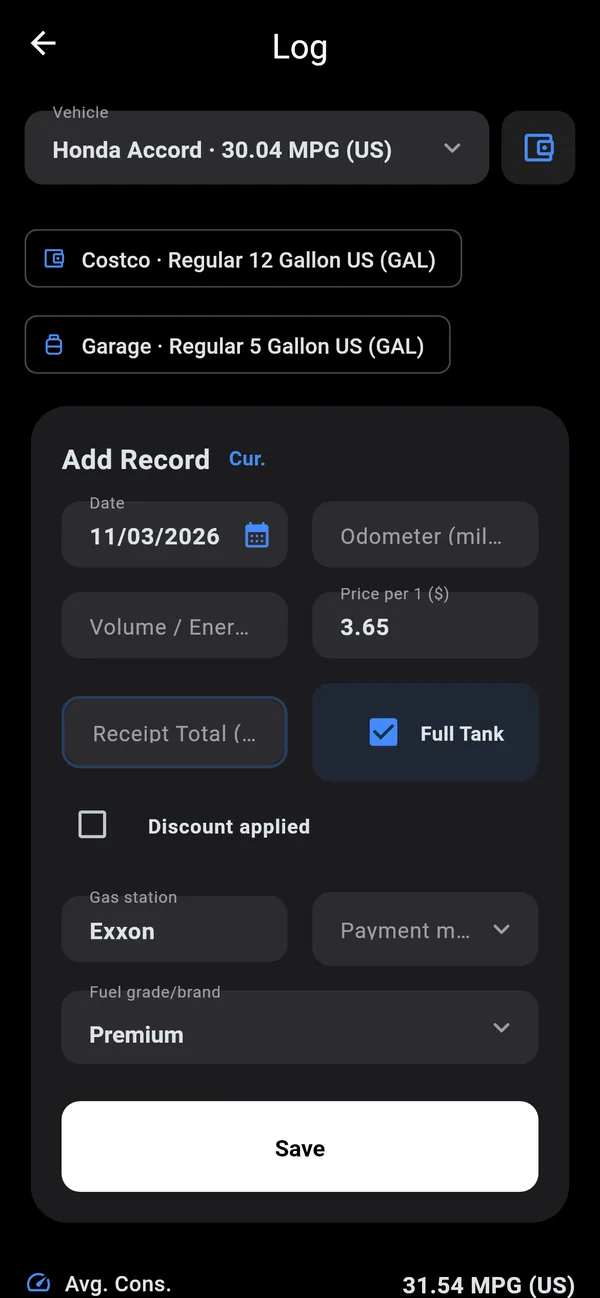
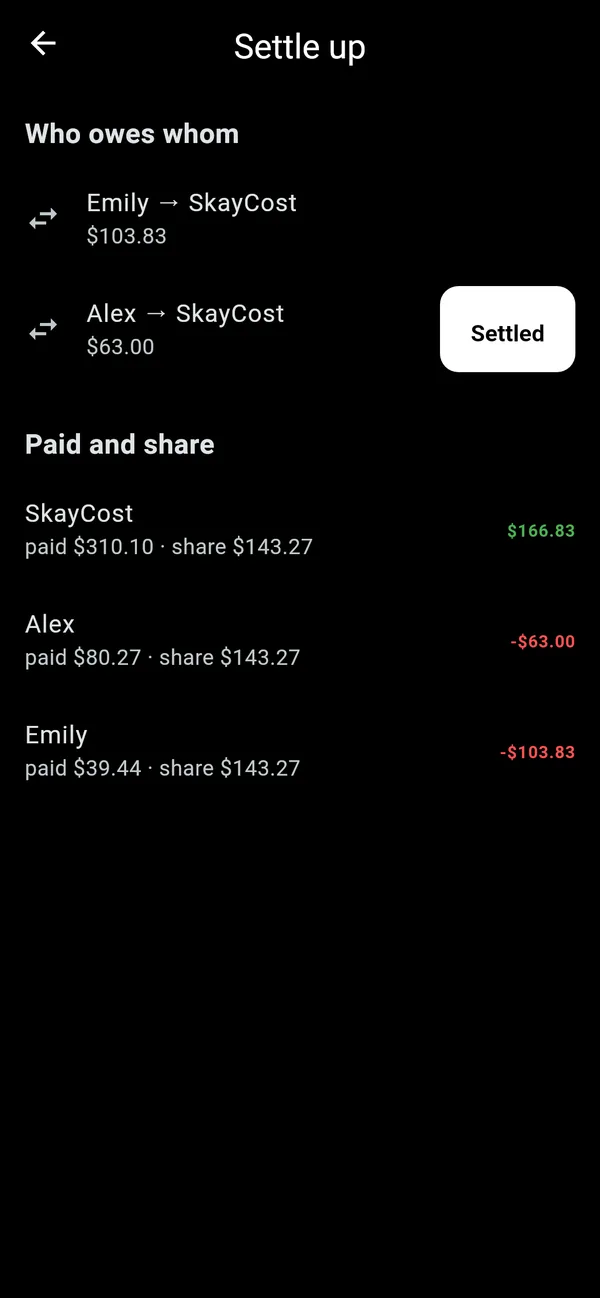
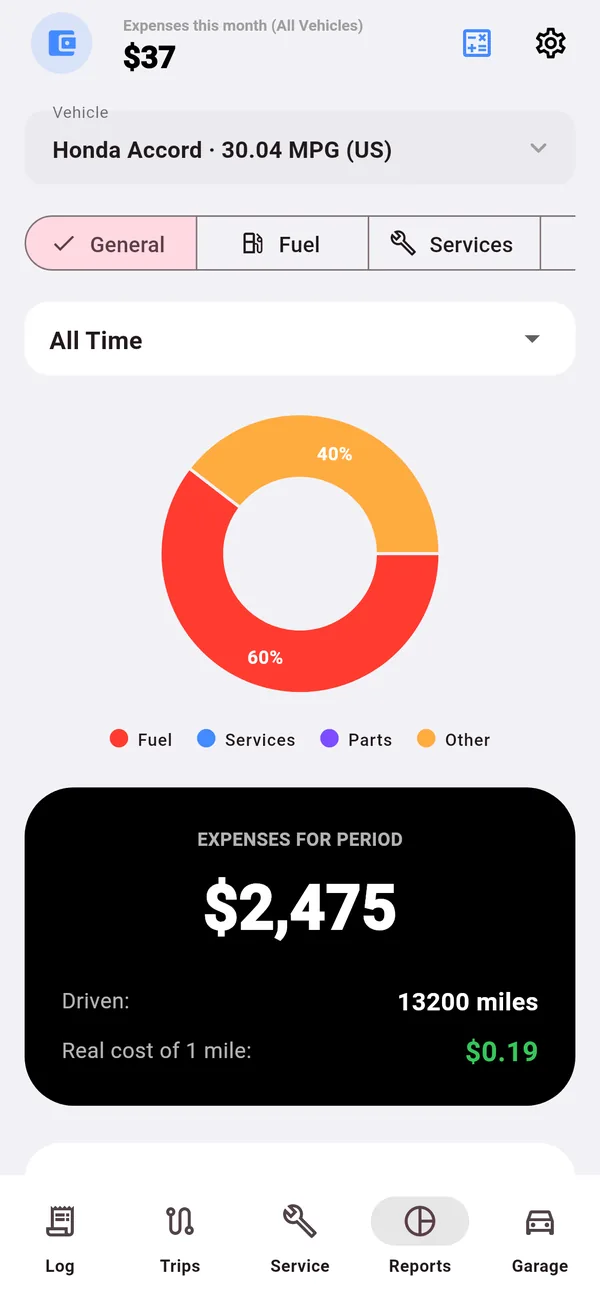
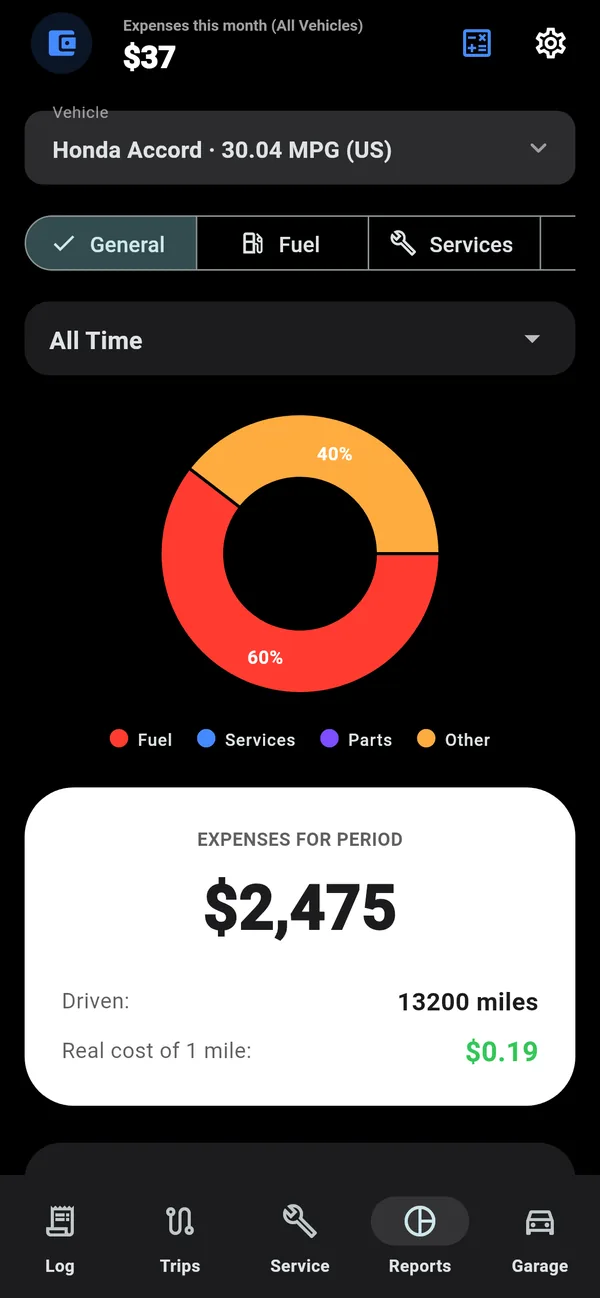
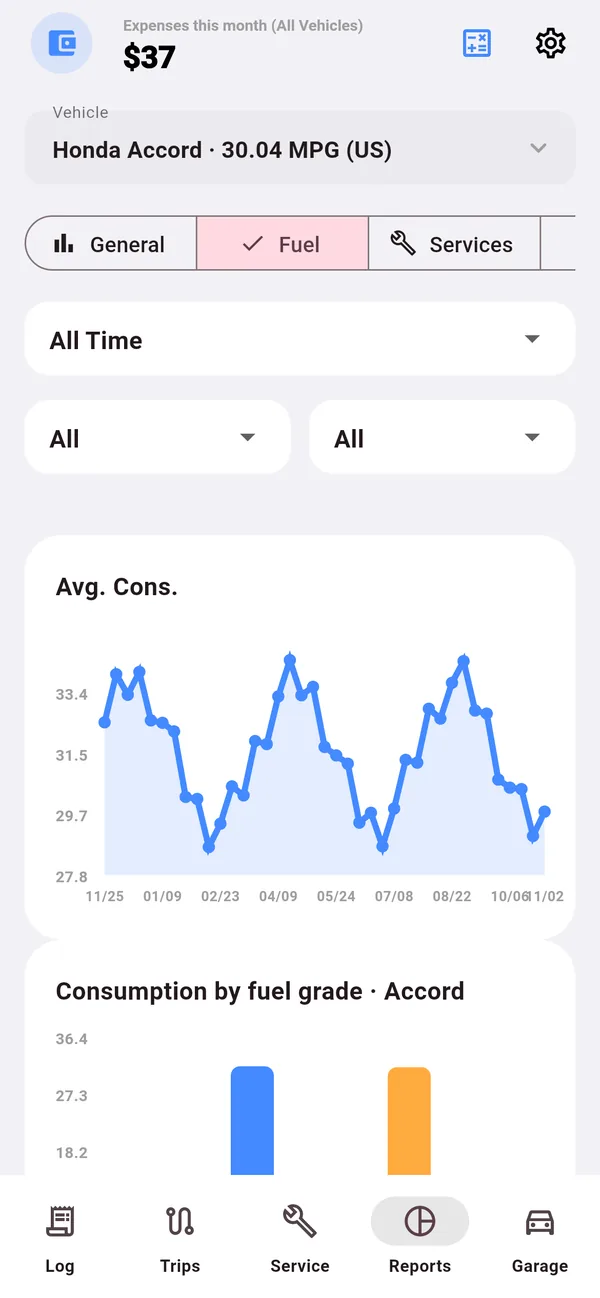
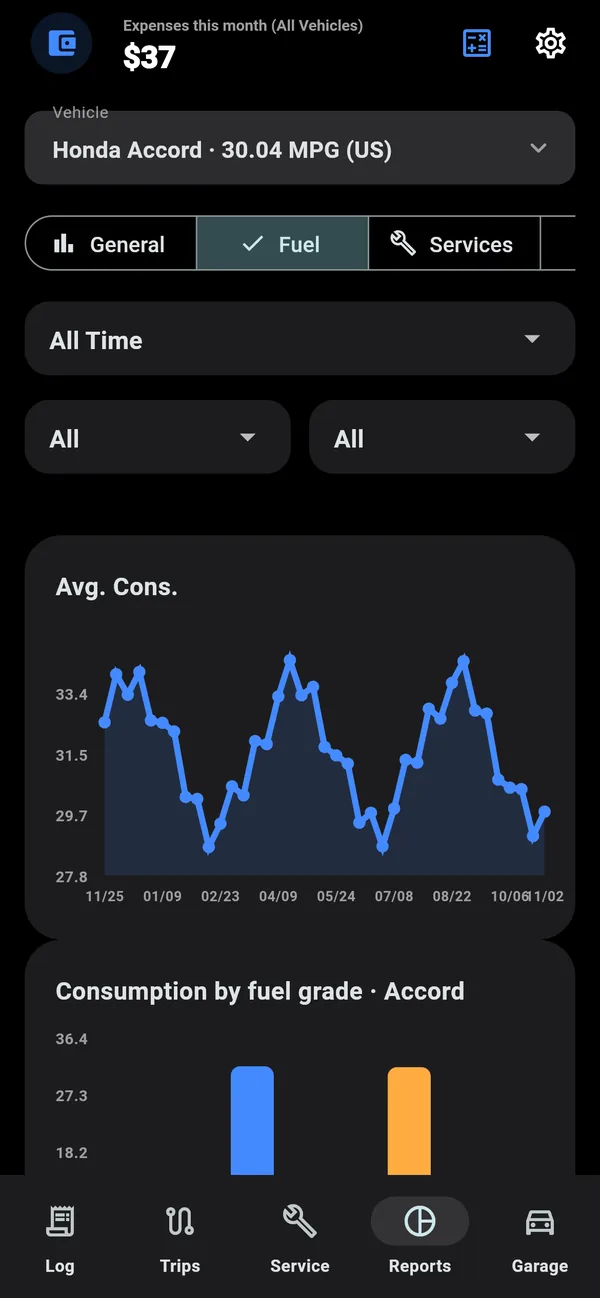
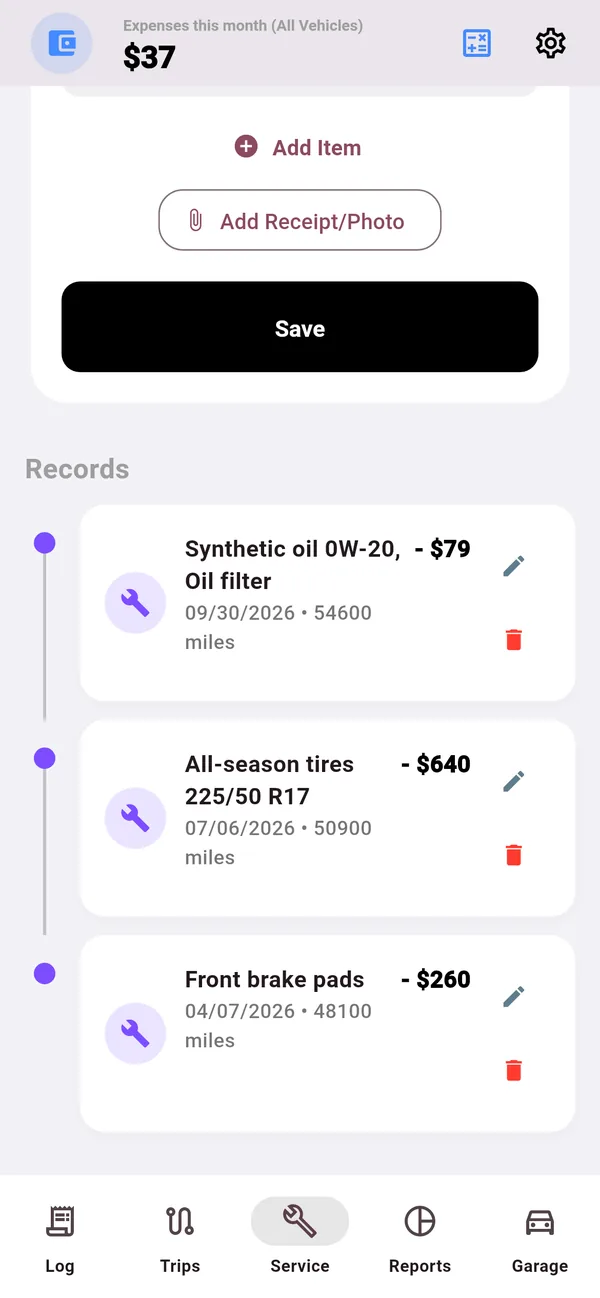
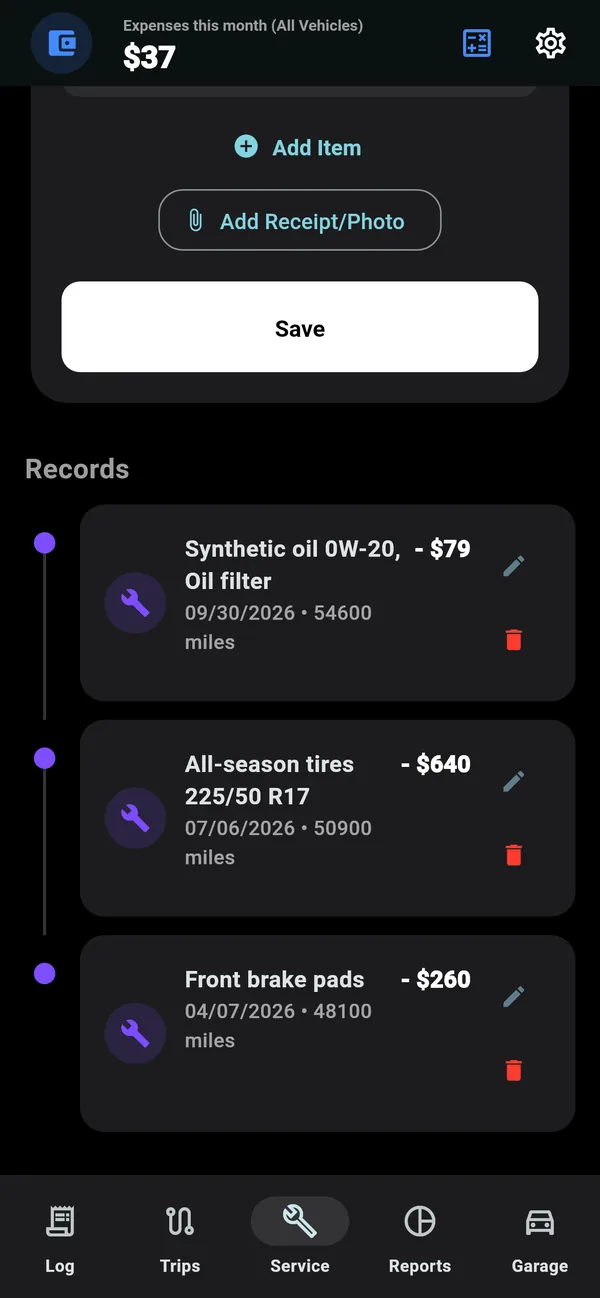
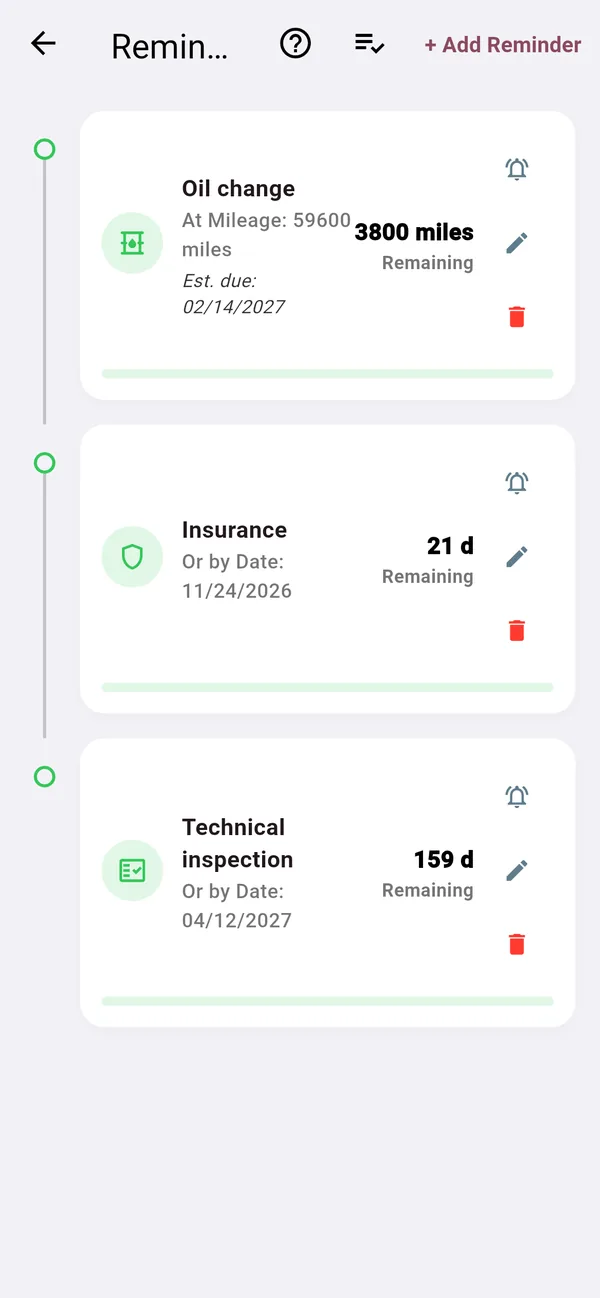
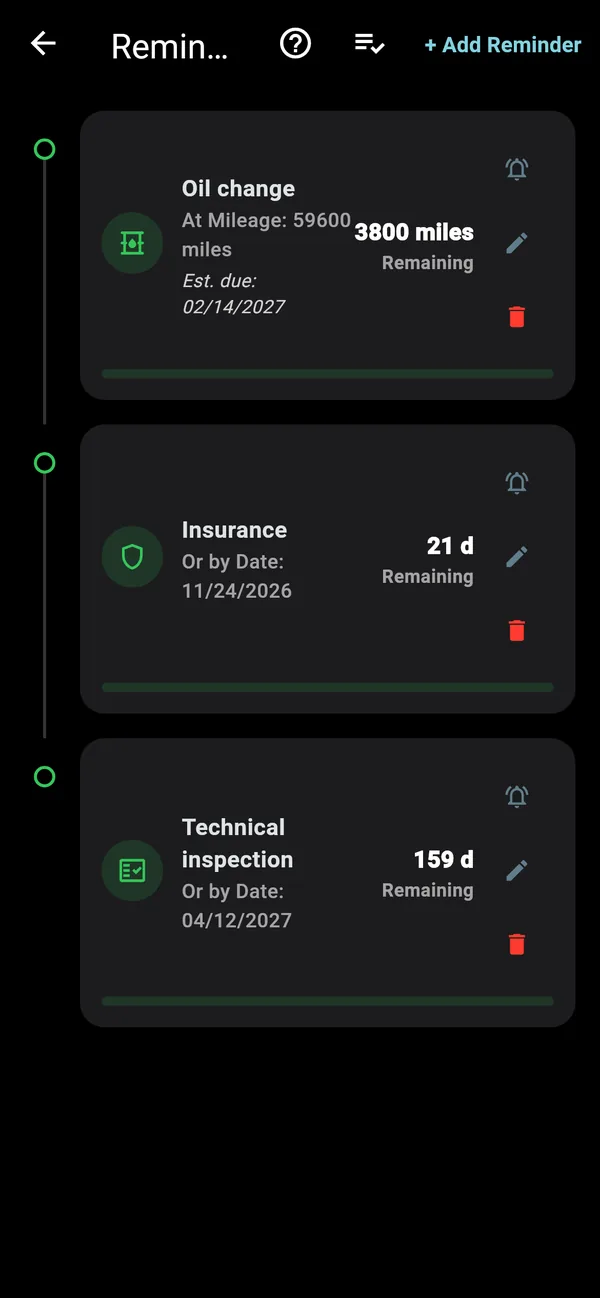
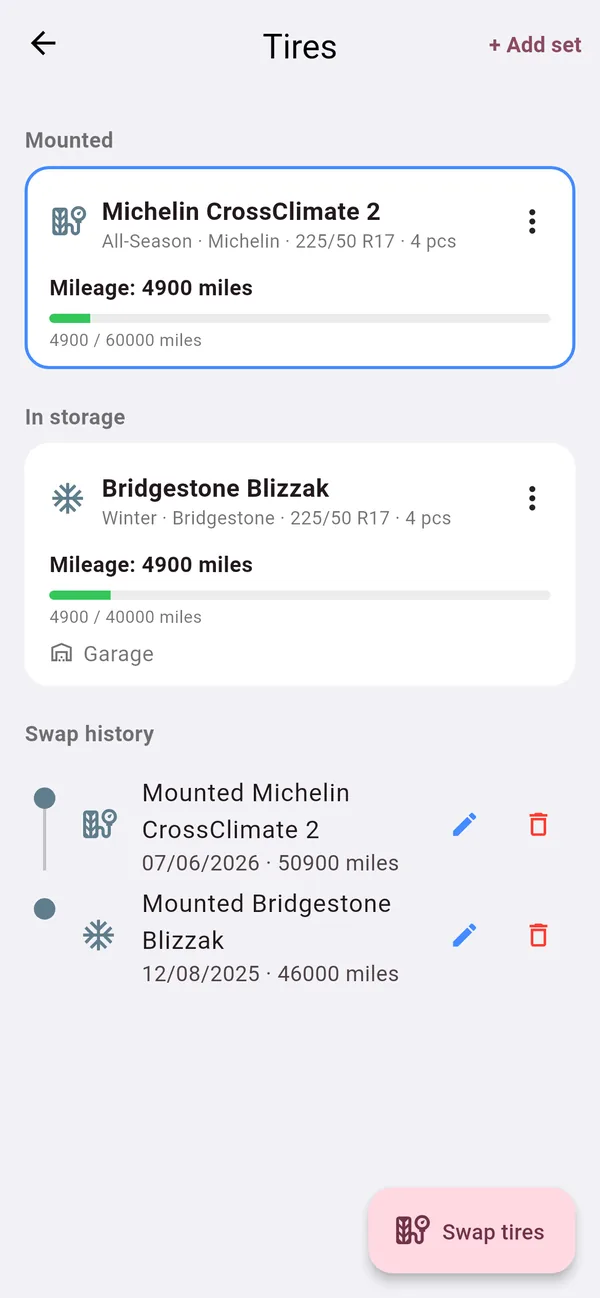
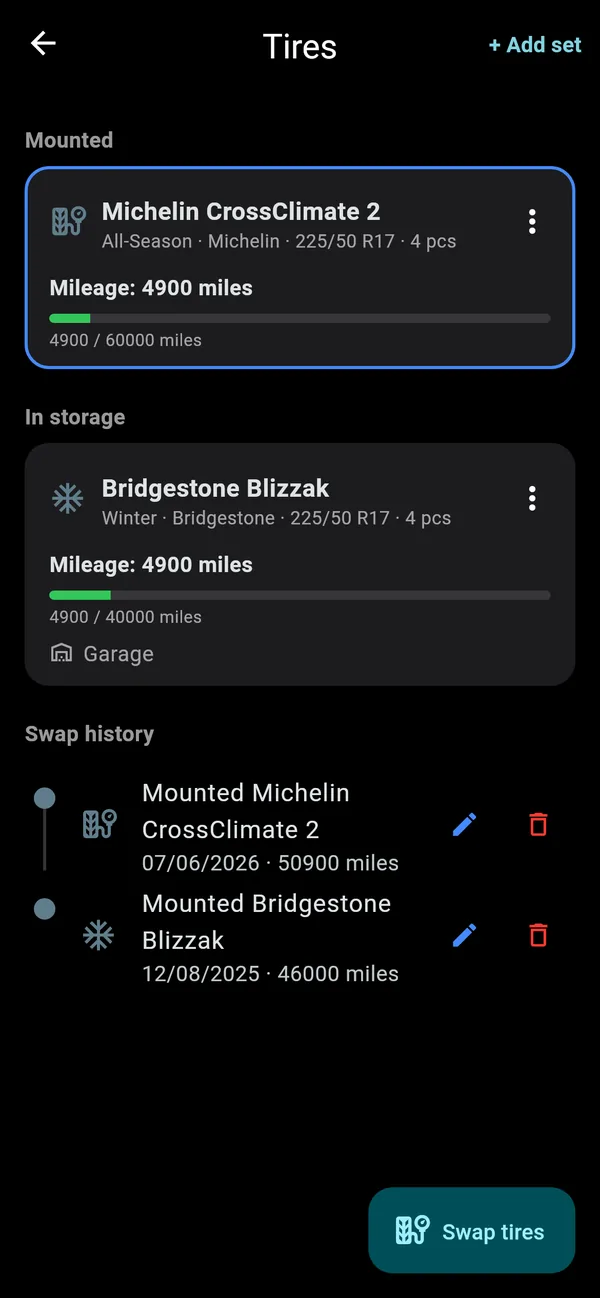
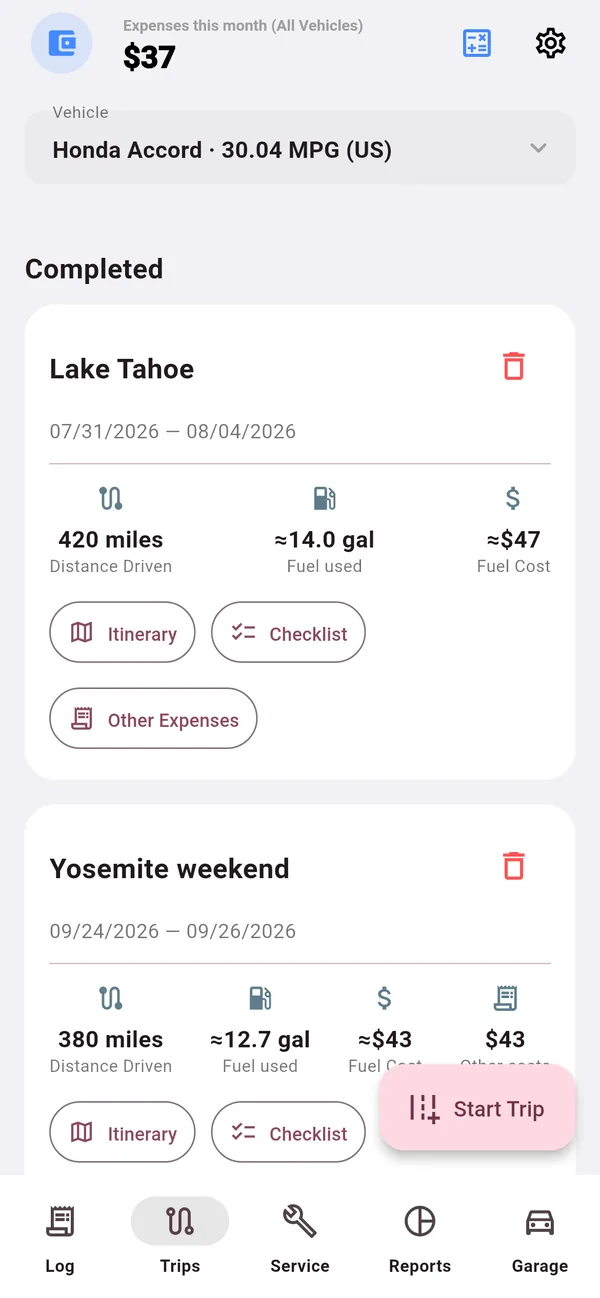
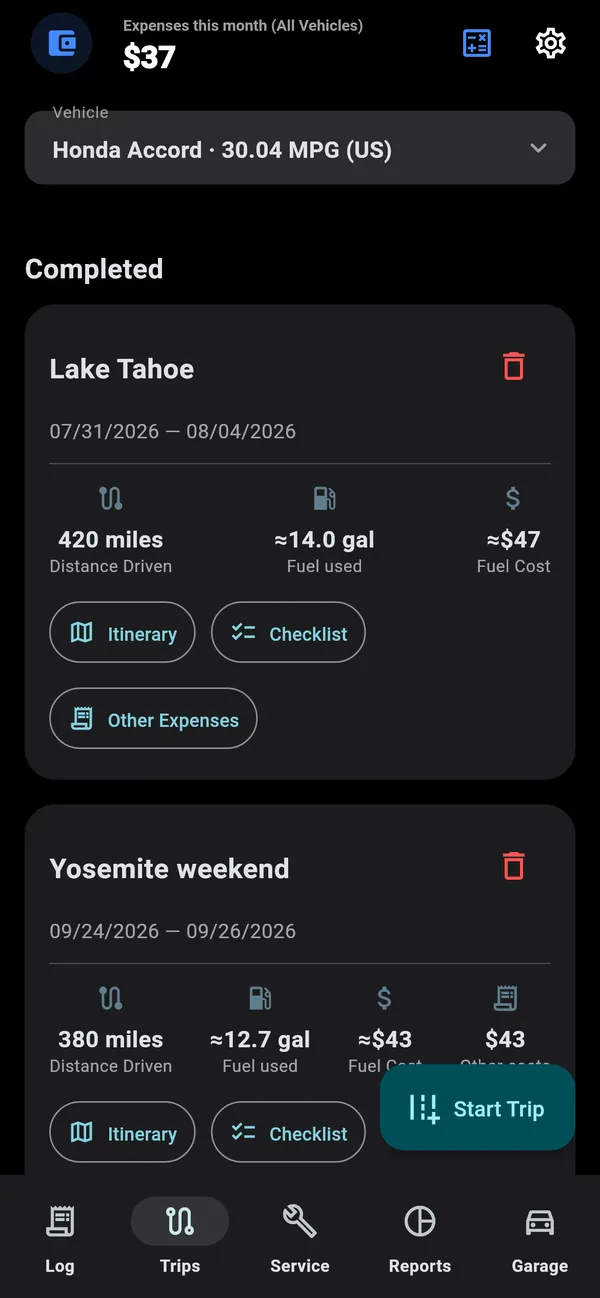
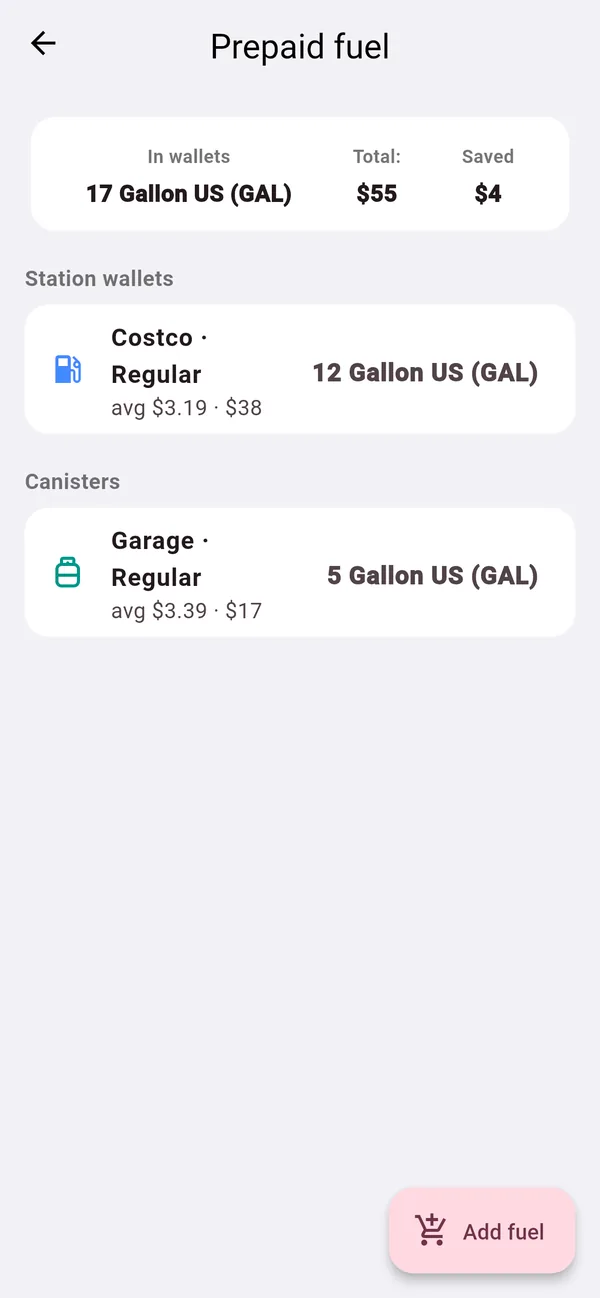
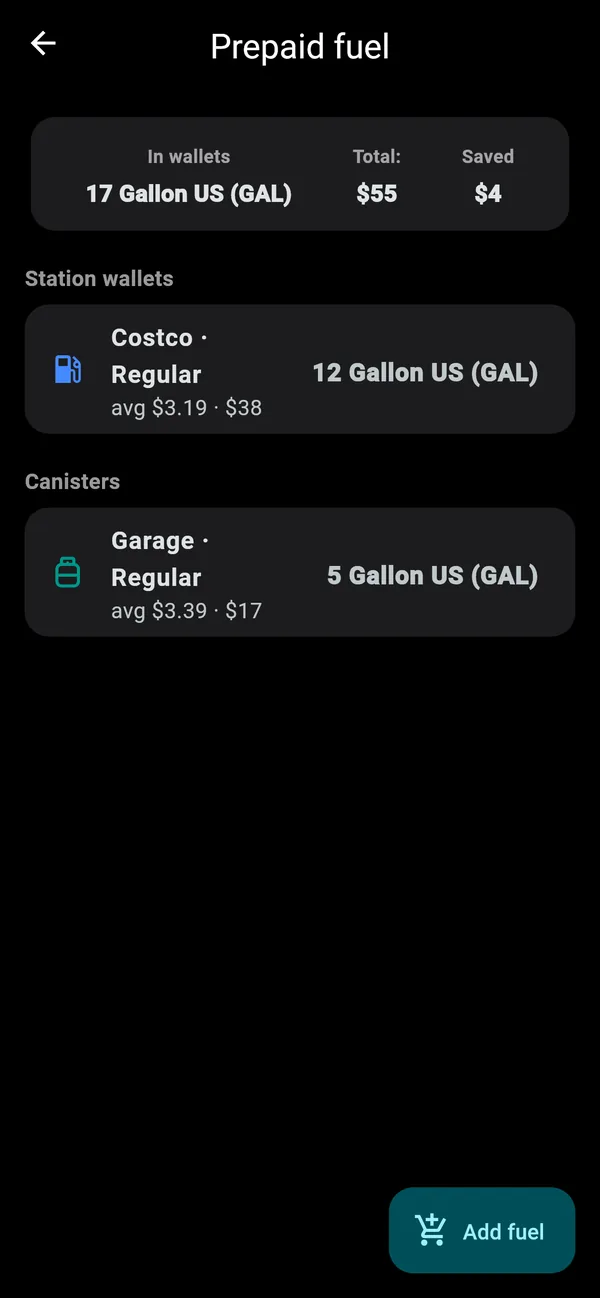
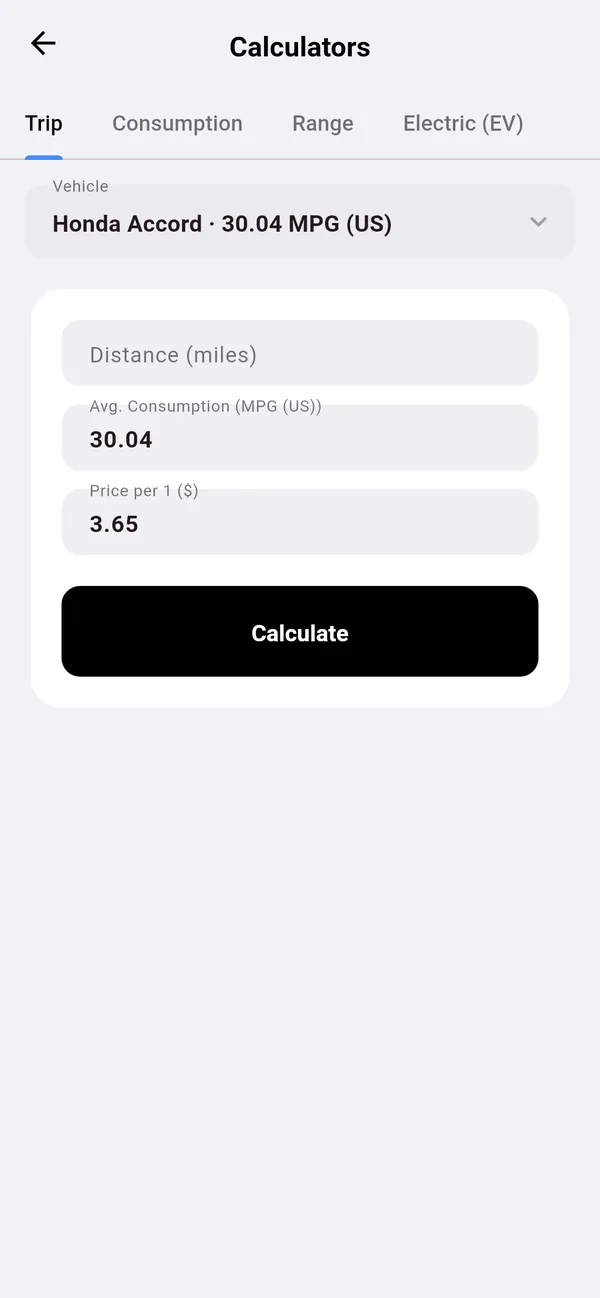
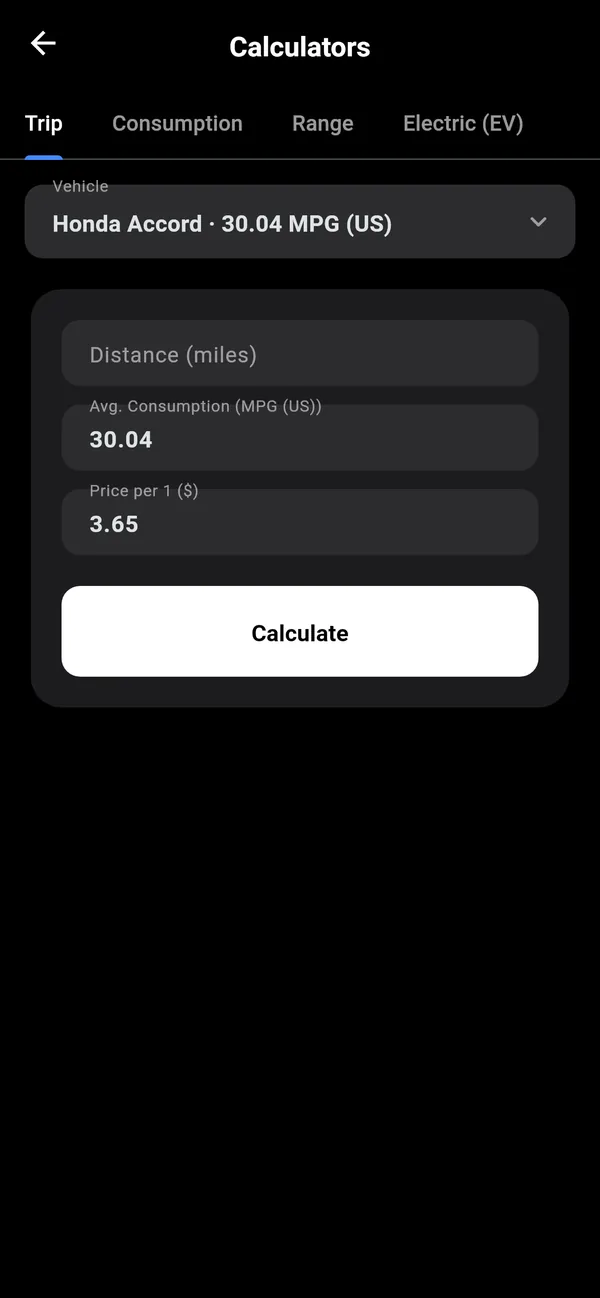
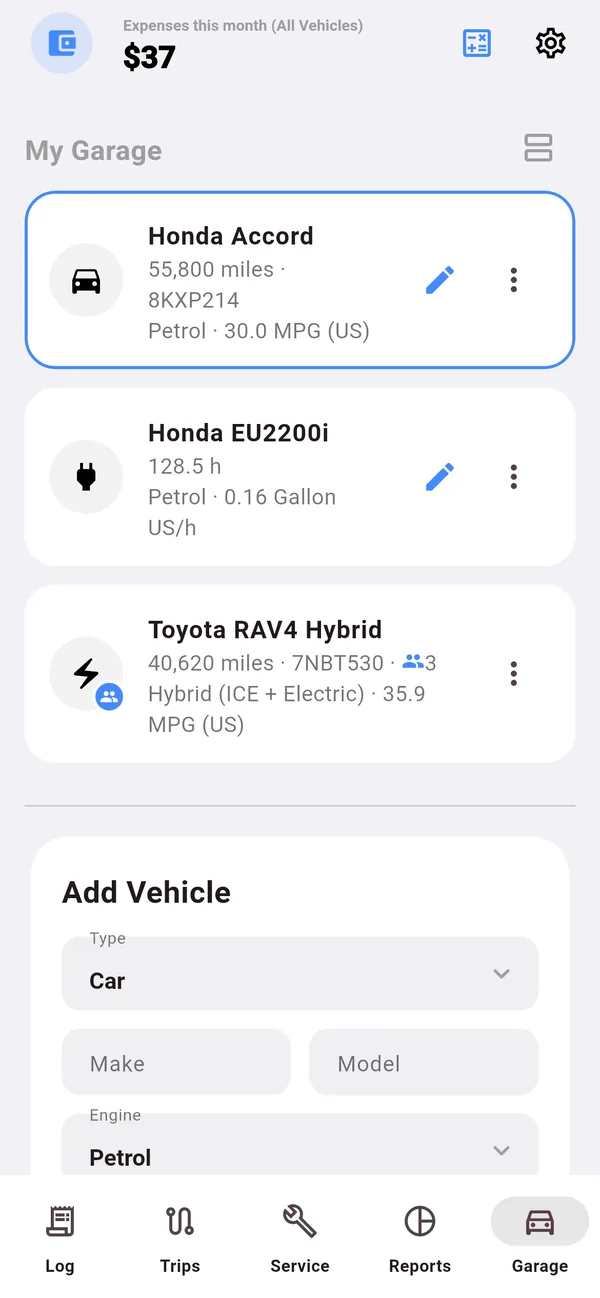
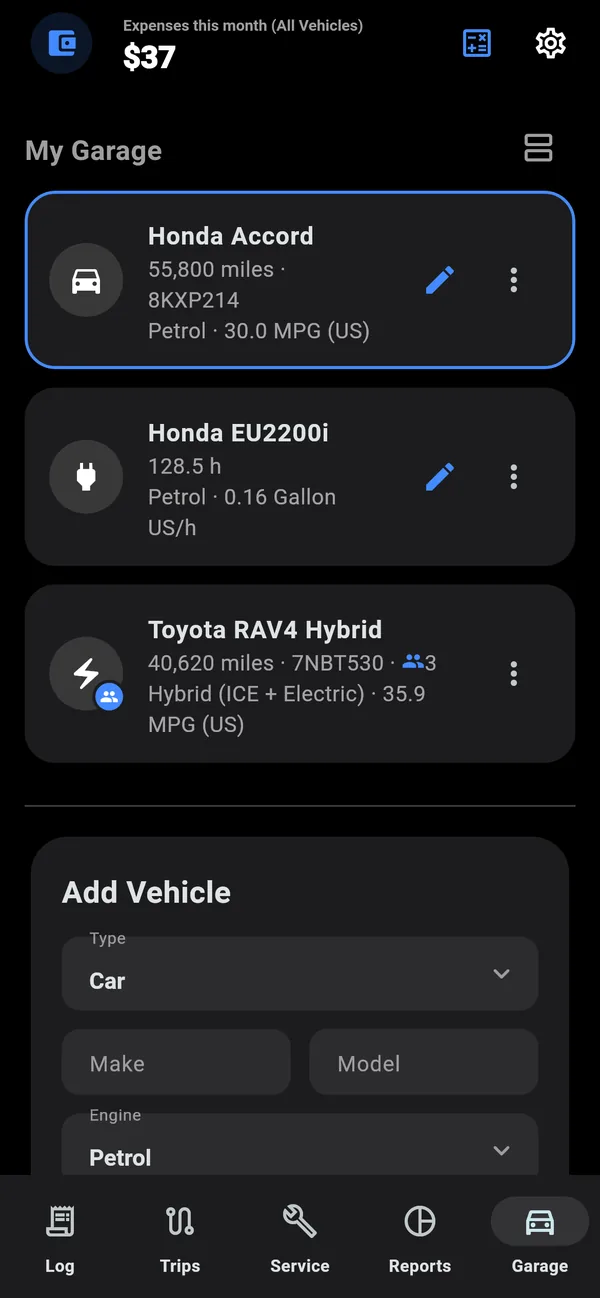
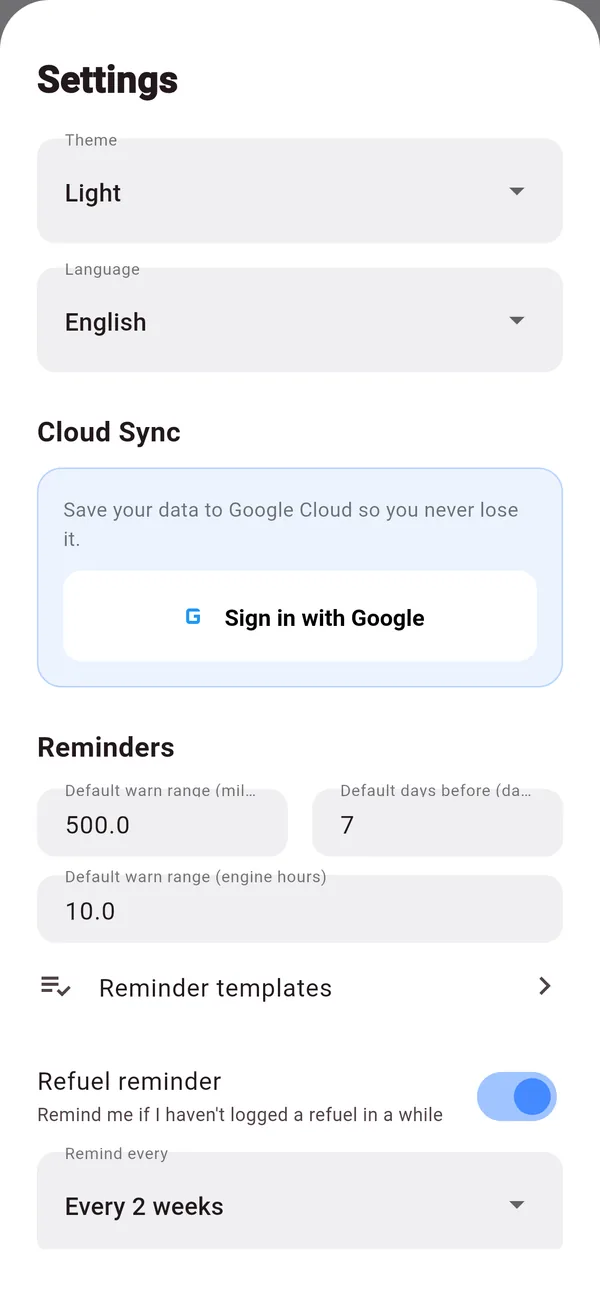
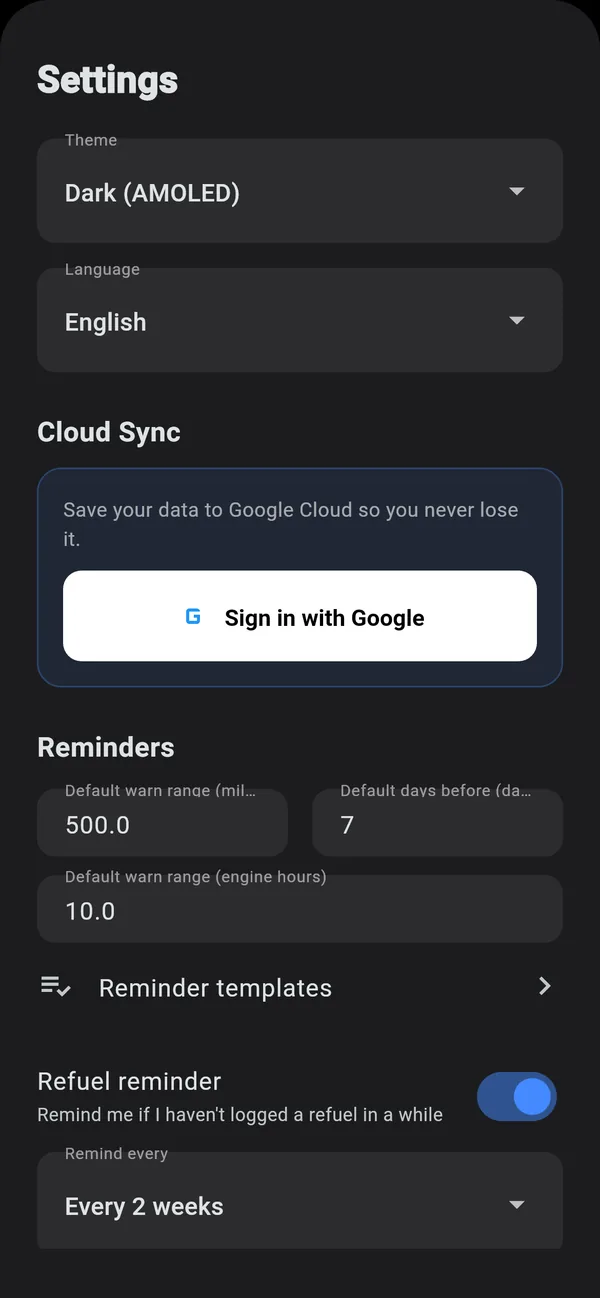
Screens from the app in light and dark theme.
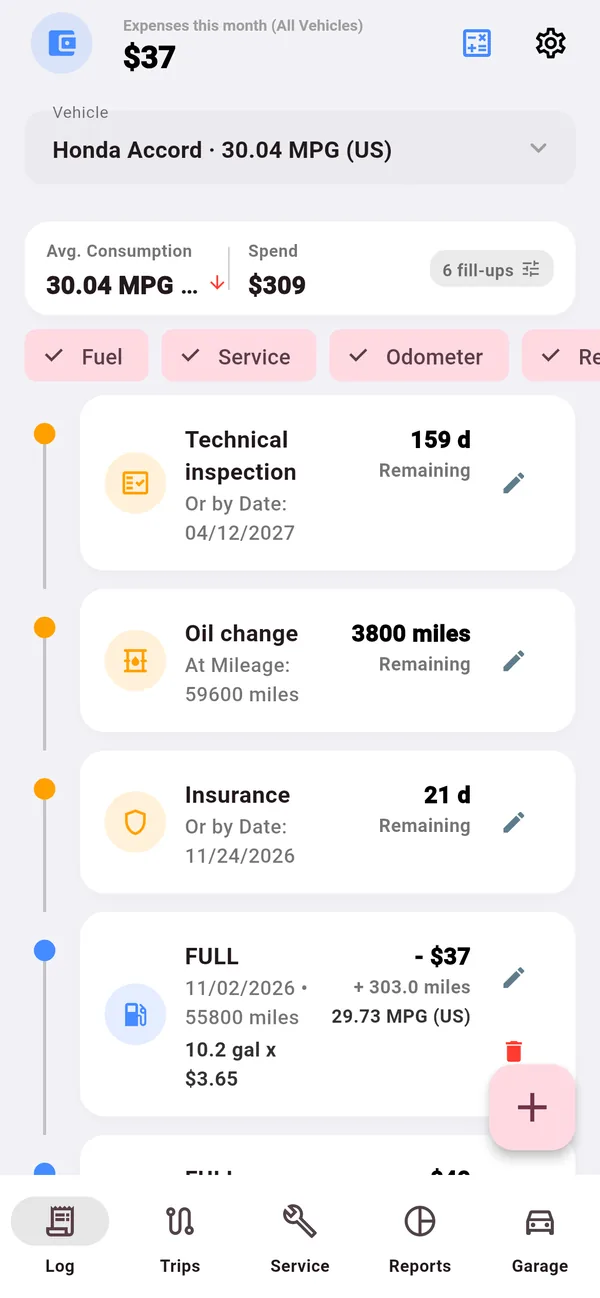
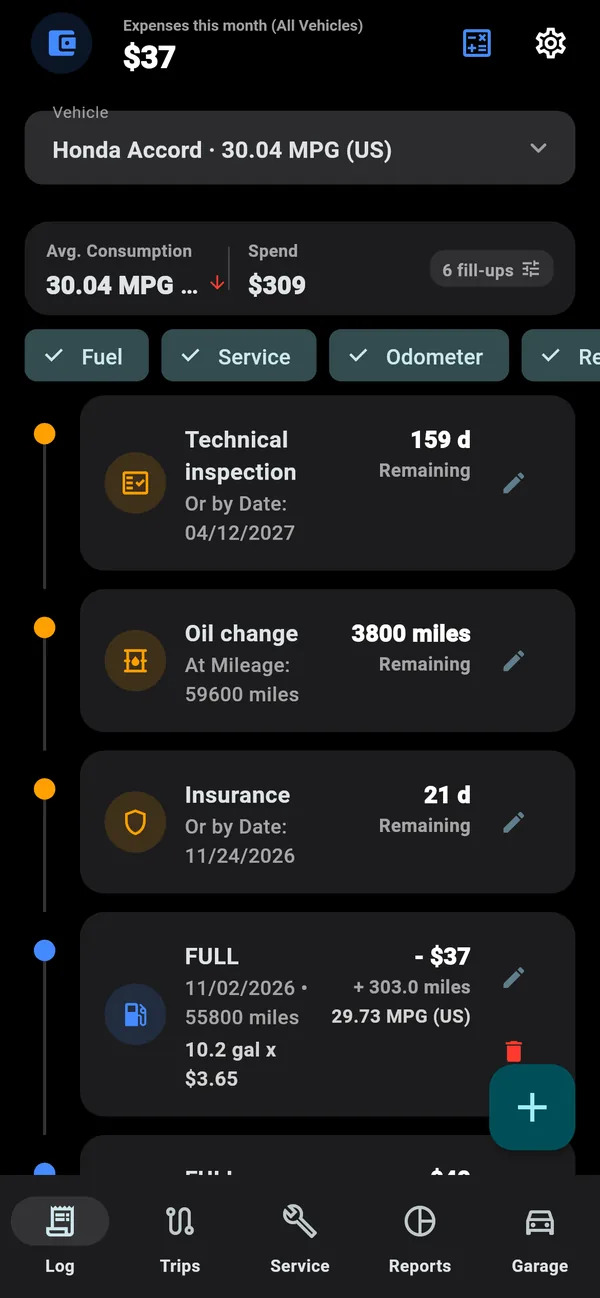
All your vehicle costs in one app
Works for one motorbike or a whole family fleet. Each vehicle keeps its own fuel, units and history.
Real fuel consumption
Log a fill-up in seconds with volume, price, discount, station and payment method. Consumption is counted between full tanks, so top-ups don't skew it.
Servicing and reminders
A service book with the cost of every part and job. Reminders go off by mileage, engine hours or date, whichever comes first, and ready-made templates save typing.
Trips and travel costs
Plan a route with stops and a packing list. Fill-ups made during the trip link to it on their own, and you see what the whole trip cost when you're back.
Generators by engine hours
Consumption per hour, hours left on a full tank, and reminders for oil, filters, spark plugs and test runs. It also works for boat motors, tractors and mowers.
EVs and e-scooters
Log charging in kWh with its cost and the battery level before and after. There are calculators for charging time and range.
Tyres
Summer, winter and all-season sets are tracked separately. The app counts each set's mileage, and buying and fitting tyres go into your costs.
Prepaid fuel and jerry cans
Paid for fuel in advance in a station app, or keep some in a can? The app shows what's left and fills in the price you paid when you use it.
Reports
Charts of costs, consumption, mileage and cost per mile or kilometre. You can compare periods, vehicles and fuel grades.
Receipt scanning
Take a photo of your fuel receipt and the date, volume and price fill in by themselves.
Works with
Currency, kilometres or miles and litres or gallons are set for your region automatically. The app is available in 18 languages.
Questions and answers
Is SkayCost free?
Yes. SkayCost is free on Google Play and has no ads. The fuel log, reports and reminders have no limits. Shared use is free for up to 5 people per item and 10 shared items per account; if you need more, write to us.
Is there an iPhone version?
Not yet. The iOS app is built, but the App Store charges a yearly fee to publish it, and few people have asked for it so far. If enough people do, it will come out, possibly as a paid app or with ads to cover the fee. The Android app stays free and ad-free. Tap the button below and leave your email. Each address counts once.
Leave your email. Each address counts as one vote, and we'll write to it when the iPhone version is out.
Do I need an account?
No. The app works offline and keeps your records on your phone. You only need Google sign-in for cloud backup, sync between devices and shared use.
Can several people log the same car?
Yes. Share the car or generator from your garage and invite people by the ID or QR code from their profile. Everyone logs fill-ups, services and trips from their own phone, and all members see them.
How does it work out who owes whom?
Every fill-up and service records who paid. Costs are split between members equally or by shares, the app shows each person's balance, and you mark a payment settled once the money is sent.
How is fuel consumption calculated?
Between two full-tank fill-ups. Partial top-ups are added to the next full tank, so they don't skew the result. You can show it as L/100 km, km/L, MPG (US or UK), kWh/100 km or per hour.
Can I track a generator or boat motor by engine hours?
Yes. Equipment can use engine hours instead of mileage: consumption per hour, hours left on a full tank, and service reminders by hours or date.
Does it work for electric cars?
Yes. Log charging in kWh with its cost and the battery level before and after. Consumption is shown per 100 km or miles, and there are calculators for charging and range.
Can I move my data to a new phone or from another app?
Sign in with Google and your data syncs to the new phone, or move it with a backup code or file. Fill-ups exported from Drivvo as CSV can be imported too.
Who can see the data of a shared car or generator?
Only its members. They see that item's fill-ups, services, reminders and trips, and each other's display names. Your other vehicles and records stay private.
What happens if I stop sharing or leave?
When the owner stops sharing, the item becomes their personal one again with everyone's entries, and members keep read access for 30 days to save a copy. A member who leaves can keep a copy in their archive.
Does shared use work without internet?
Yes. Add entries offline as usual. They are sent when the phone is back online, and other members' entries reach your phone the same way.
What can it remind me about?
Oil, filters, tyres, insurance, inspection or anything else, by mileage, engine hours or date, whichever comes first. Ready-made templates help you start, and on a shared item you choose whether reminders notify your phone.
How does tyre tracking work?
Add each set (summer, winter or all-season) with its size and expected life. When you swap tyres, enter the odometer reading. The app counts each set's mileage, and buying and fitting go into your service costs.
Can I track prepaid fuel or fuel in jerry cans?
Yes. Fuel you paid for in advance in a station app, or keep in a can, shows up as a balance. When you fill up from it, the volume comes off the balance and the price you paid fills in. A balance that expires can be written off.
Can I keep several vehicles and currencies?
Yes. Each vehicle has its own fuel, units and history, and a shared item has its own currency. If you refuel abroad, enter the price in the local currency and the app converts it.
Which languages is SkayCost available in?
18: English, Ukrainian, Russian, German, French, Spanish, Portuguese, Italian, Polish, Czech, Romanian, Bulgarian, Indonesian, Vietnamese, Hebrew, Arabic, Japanese and Bengali. The app uses your phone's language, and you can change it in Settings.
Where is my data stored, and is it safe?
On your phone, and nothing leaves it unless you sign in. After Google sign-in, a backup is kept in Google Firebase under your account and encrypted in transit. Only you can read it, plus the members of any item you share. We don't sell data and show no ads.
How do I delete my account and data?
In the app, go to Settings → Cloud Sync → Delete account. This removes your cloud data and your sign-in account in one step. See how it works.
Your data stays with you
Offline first
SkayCost works offline and needs no registration. Your records are kept on your phone.
Optional cloud
Sign in with Google only if you want a backup, sync between devices or shared use.
Delete any time
You can delete your account and its cloud data from the app. How it works · Privacy Policy.
Ideas are welcome
Missing a feature, found a bug, or need more vehicles and people for a fleet, a small business or a club? Write to us. We read every message, and many features came from users.
Or write to us directly: satrier@gmail.com
Start tracking in a minute
Add your vehicle, log your next fill-up and invite the people who drive it with you.
Get it on Google Play